
End to End Lab Asset Management
- Multi-Vendor laboratory asset types from general lab equipment, analytical systems, robotics and automation platforms
- Scientific instrument repair services
- Preventative maintenance, calibration & metrology
- Compliance qualification & validation
- Lab Asset utilization and Optimization including laboratory
space utilization, collaboration and workflows
- Services planning, scheduling and overall management of
vendors Laboratory
- Vendor performance management, service contracts negotiation
and management of appropriate post warranty services
- Lifecycle asset management including relocation and
asset disposition
- Data analytics, interactive reporting and global benchmarking
End to End Lab Asset Management
Laboratory Services
Lab Consultancy and Scientific Workflow
Laboratory Services
- Embedding CBRE staff into your lab improves inventory accuracy, reduces equipment downtime, and saves scientists time spent on science
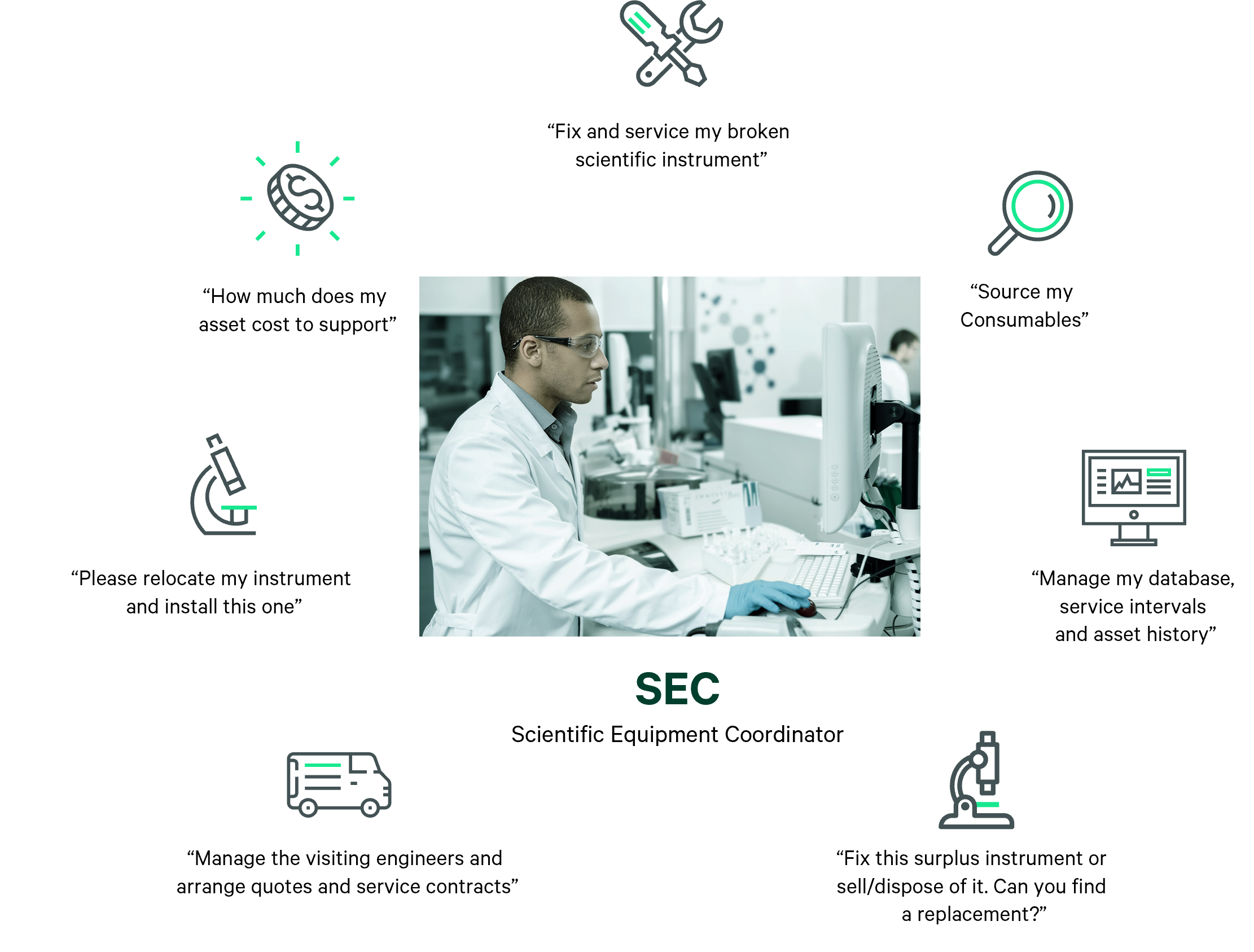
- Coordination of repairs and preventative maintenance for the scientific community using both internal and external engineer resources
- Ensure adherence to CBRE and client Health and Safety processes, keeping your lab FDA and EMA compliant
Lab Consultancy and Scientific Workflow
- Client briefs
- Lab consultancy and change management
- Concept design, laboratory design
- Scientific end user workflows
- Occupiers & Owners
- Lab occupancy and motion studies
- Technical gap analysis for critical space usage
- Lab restacks/consolidation
- Lab relocations and commissioning
- Laboratory footprint scoring and benchmarking
- Integrated solutions to support the entire lab life cycle

Tip: How to save time when creating a tab module from scratch.
Create one tab that has the images, text format, animations, and interactions you want the other tabs in the module to have. Copy and paste the tab and change the names of the pasted tab folders in the layers panel. You can then change the text and images in each tab. This is more efficient than making each tab from scratch.
Round the corners on images and rectangles.
To do this, select an image or rectangle and change the value under "Corner Radius" in the Design tab in the Inspector Panel.
Create digestible content and save screen real-estate by condensing lengthy content into categories that can be viewed on separate tabs.
Template - Horizontal Tab Module
1280px x 720px

Turn flat objects into multidimensional, dynamic content by adding a drop shadow.
To apply a drop shadow, select the shape or image and add a shadow in the design panel. Experiment with the shadow color, blurriness, and position in relation to the asset.
To replace an image, select the png or jpeg on the canvas or in the layers panel and click the "Replace image" button, which is next to the image thumbnail in the design panel. Any applied animation to the original image will carry over to the new one.
Tip: Try to make the new image a similar size and dimension to the image being replaced.