
A Note from the Underwriting Desk
We recently published our first Confidential Marketplace Alert, which provided statistics around the rising trends in bankruptcy and deterioration of subcontractor financial positions. Contact us if you would like to receive a copy of this alert.
Prequalification AND continuous re-qualification of your
high-risk trades during the lifecycle of your projects are absolutely crucial in today's dynamic marketplace. Even subcontractors with a history of a well-healed balance sheet are showing signs of stress. REMEMBER – THE SECOND BIDDER MAY BE THE MORE PRUDENT OPTION.
- Lorem Ipsum, Dolor Sit Amet
Montes sunt pede lectus! Quidem wisi? Animi pulvinar parturient? Perferendis? Recusandae torquent, vel habitasse veniam! Lectus aute dicta ea condimentum.
- Lorem Ipsum, Dolor Sit Amet
Tellus facere quaerat recusandae corrupti? Etiam, officia tempus, morbi ipsum, nisi totam. Lacus voluptates, error malesuada porttitor commodo minim voluptatum, fugit!
SDI NEWSLETTER

Scroll down

The hotspot "on view - cycle next number (0% to 19%)", located above the large numbers on the canvas, has an On View Cycle – Next interaction. This interaction triggers the slideshow to continuously cycle through the text layers in the group "0% to 19%" at a .01 sec rate. Once it cycles through all the text layers, the last layer in the group is an additional hotspot "on view - stop cycle" which has two interactions applied to it. The first interaction shows the last text layer, "19%". The second interaction hides the "on view - cycle next number (0% to 19%)" hotspot to prevent it from cycling through the group again.
To replace an image, select the png or jpeg on the canvas or in the layers panel and click the "Replace image" button, which is next to the image thumbnail in the design panel. Any applied animations, interactions, image edits, or object states to the original image will carry over to the new one.
Tip: Try to make the new image a similar size and dimension to the image being replaced.
Object states give you the ability to assign various “states” to an element on the canvas. You can also apply object states to images that have been masked to create some really unique effects. In this example the image has a default state and a hover state. In the hover state, the image increases in size. The image is masked to the rounded square shape. Thus, when the user hovers over the image it looks like the image is zooming in as the image is constrained to the masked rounded square shape.
Remove the background of images by simply right clicking on an image and selecting “Remove Background.” In a matter of seconds, the foreground will be detected, and everything else behind it will disappear automatically, leaving behind an image with a completely transparent background.
Masking assets in the studio allows you to transform images and GIFs into virtually any shape you want. To mask an image, place a shape over the image on the canvas. This can be a standard shape (circle, square, triangle) from the Ceros shape tool, or a custom shape you’ve created using the path tool. You can also use PNG images and SVG Icons as masking objects as well. Then, select both the masking shape and original asset by holding down shift and clicking on both objects on the canvas or in your layers panel. With both objects selected, right click and select “Create Mask” from the right click menu. Your original asset will be cropped into the masking shape that you’ve applied.
Create an engaging and interactive landing page to display features using object states, masks, and blending modes.
Template - Professional Services Landing Page
1280px x 2050px

The "On Click- Cycle Next/Previous" interaction triggers the carousel to cycle to the next asset or group of assets in a designated folder or group.

JUNE 2023
SDI NEWSLETTER

©2023 Hudson Insurance Group. The information contained in this newsletter is for general information only and shall not modify the terms of any insurance policy.
Wallace Moreman
Tim Anderson
William Lane
Andrew Thompson
Jamie Curcio
Charlie Tasto
Michele Schultz
Senior Vice President
Executive Underwriter
For any additional questions, please do not hesitate to reach out to anyone on our team.
Risk Engineering Manager
Senior Claims Specialist

Measure Twice, Cut Once: Quality Challenges with the Wood Frame Marketplace
The multi-family marketplace has represented a significant portion of the U.S. construction economy for the past decade and continues to maintain momentum.
READ MORE
Not Getting What You Pay For: Elevated Risks of Material
Deposits
We do not necessarily advocate for them, but we are practical and understand that deposits are inevitable. They are a part of doing business, especially in construction under current supply chain pressures.
READ MORE

Have a subcontractor in default? File a notice of potential claim online. This is not required and the existing form filing process will be accepted.
Community Involvement
Newsletter Article Hub
Senior Loss Control Risk Manager
Senior Loss Control Representative
Executive Underwriter

Prior Newsletters
July 2022 November 2022
January 2023
In this Issue:
A Note from the Underwriting Desk
Measure Twice, Cut Once: Quality Challenges with the Wood Frame Marketplace
Not Getting What You Pay for: Elevated Risks of Material Deposits
Community Involvement
>
Email
Email
Email
Email
Email
Email
Email
>
>
>
>
>
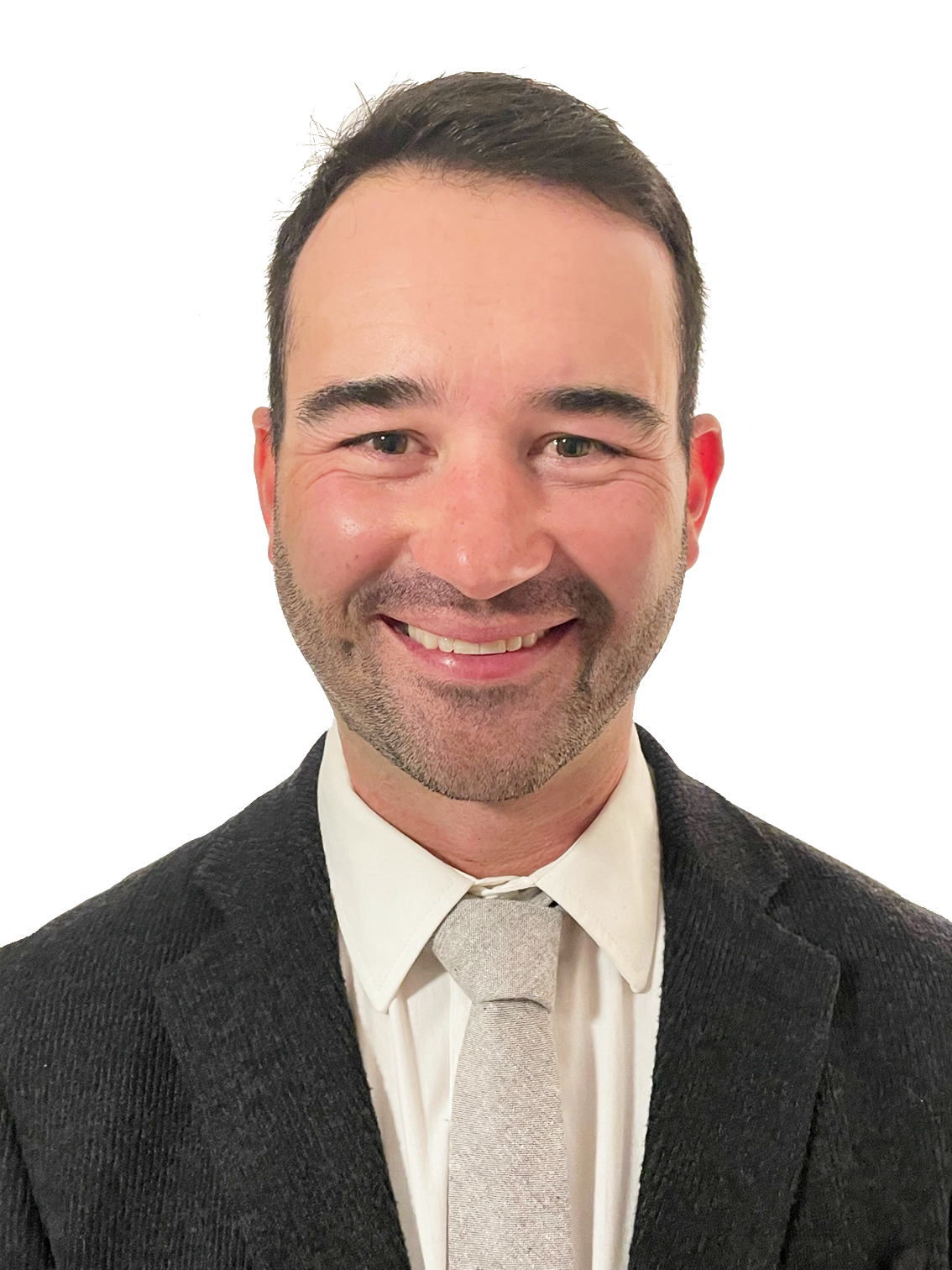


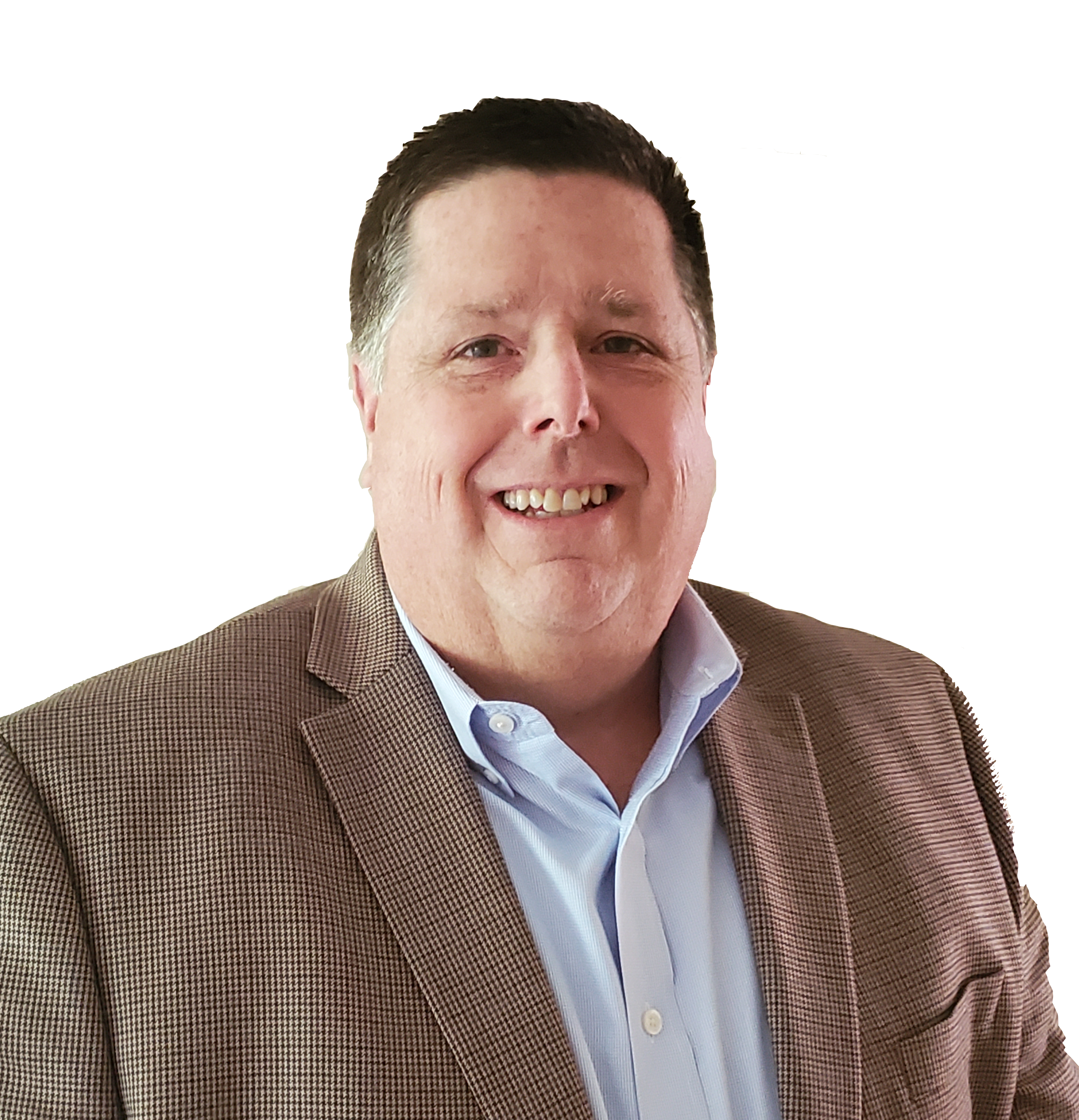

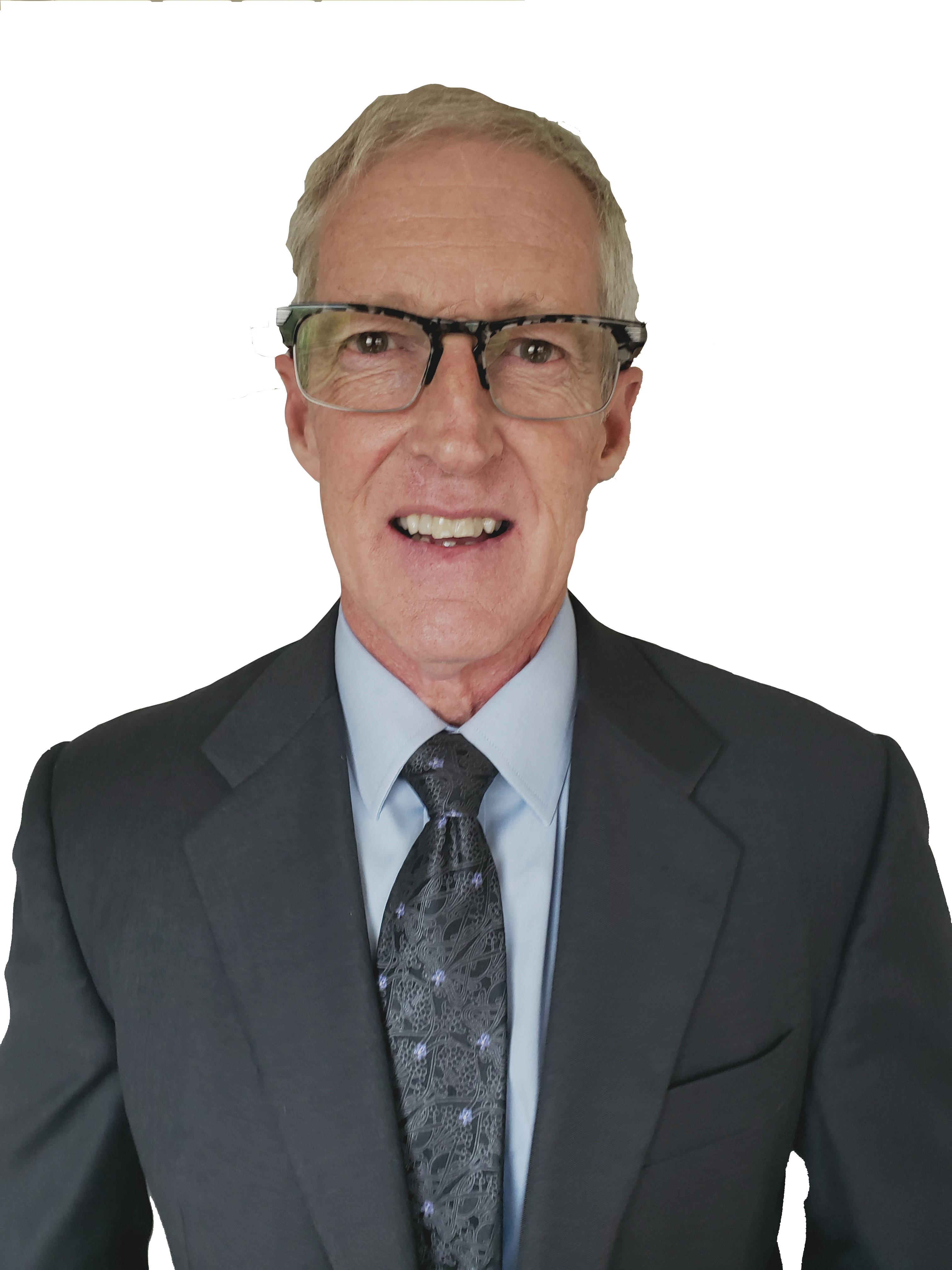

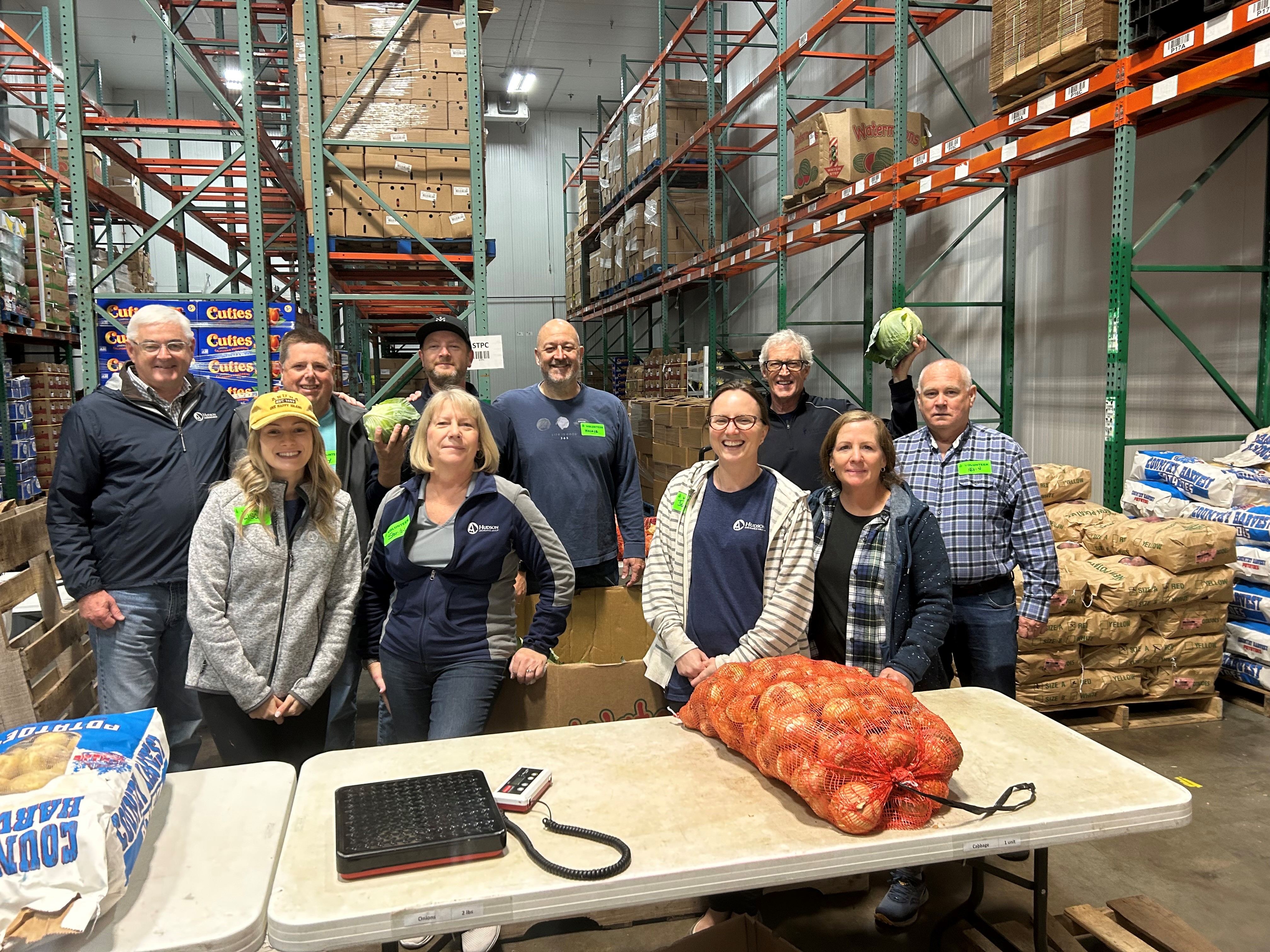
Our team recently got together for our annual team meeting in Nashville, TN. As part of the opportunity of being together, we volunteered a morning’s time in the cold storage room at the Second Harvest Food Bank of Middle Tennessee. The team was responsible for allocating and packing 20 pound produce boxes that consisted of onions, potatoes, cabbage, and carrots for those communities in Middle TN with food insecurity. The time volunteered was a worthwhile team building event and allowed us the opportunity to support those in the communities in which our employees live and work.
At the end of the day, we sorted and crated 12 pallets of produce with 496 boxes, 9,762 pounds of food which would lead to 8,135 meals for those in need. It was a rewarding opportunity for the team!
>
>