From solution selection support to full-blown analog simulation, experience the simplicity of taking your analog design from idea to reality with our analog development tool ecosystem.
Explore Your Options
Learn More
Tools to generate code and configure your MCU and libraries
Configure Your Code
MPLAB Mindi Analog Simulator
IDEs, compilers and software stacks to speed up your development
Develop Your Project
CAD/Ultra Librarian
Debug Your Project
Debuggers and data visualizers to help you troubleshoot your code
PowerCheck
Tools Ecosystem
Journey through the various stages of embedded design with our easy-to-use portfolio of hardware and software development tools. Click on a design stage to learn about the associated AVR® microcontroller (MCU) tools.
Have full access to your AVR device hardware with bare-metal programming
AVR® MCUs
Story title here
Read More
Section 4
Treelink/Analog Page
GitHub
MPLAB Discover offers an alternative way of filtering the PIC/AVR MCU projects on GitHub. In addition, you can download each project to develop in MPLAB X IDE, open the projects online in MPLAB Xpress or open the example’s GitHub repository.
MPLAB® Discover
MPLAB Discover is a tool within the MPLAB® development ecosystem to quickly help you find relevant projects. With various filters, the tool can help efficiently find tested examples that meet your application requirements as closely as possible to use as a starting point in your development.
Visit Discover
Tips and Tricks
PIC® and AVR® MCU Examples
Back
Boards
Debug
Develop
Configure
Examples
Explore MPLAB Discover
In MPLAB Discover, you will be able to find our official example projects with advanced search tools. Whether are you looking for MPLAB Code Configurator (MCC) Melody, Classic or bare-metal projects, tyou will find that the examples are already integrated with GitHub. Everything you need is all in one place.
Visit MPLAB® Discover
Learn more about MPLAB® Cloud Tool
MPLAB® Code Configurator (MCC) is a free plug-in of MPLAB® X IDE, which provides an easy setup and configuration for supported microcontrollers (MCU). MCC will help you generate and get basic functionality working, without opening the datasheet.
Do you want to get working code quickly / Do you want full control?
Want full control?
Write bare-metal programs for full-access to peripherals, pins and etc.
MPLAB® X IDE / MPLAB Xpress*
MPLAB® Code Configurator (MCC)
Content Manager Tool (CMT)
MCC Melody
MCC Classic
MCC Melody supports PIC® and AVR® MCUs and dsPIC® DSCs. We recommend using MCC Melody for new designs. Evolved from MCC Classic, MCC Melody offers an improved and flexible architecture with several new advanced capabilities. The offline MPLAB X IDE and online MPLAB Xpress IDE both support MCC Melody.
MCC Classic remains available for your existing MCC Classic-based projects. *MPLAB Xpress does not support MCC Classic
Learn More About
Offline / Online
Installation Guide
Learn About MPLAB® X IDE
This seven-part video series covers the fundamentals of MPLAB X IDE, from installation to plug-ins, layout, how to find what you need and where to find help.
Watch Now
Intro to MPLAB® X IDE
This class covers the basics of MPLAB X IDE and will guide you through the steps of creating a simple "blink an LED" program using one of our popular PIC® MCU nano development boards.
MPLAB® X IDE Tips and Tricks
This class is a collection of useful tips and tricks that will help you get the most out of MPLAB X IDE.
Getting Started With the MPLAB® Cloud Development Ecosystem
This seven-part video series introduces our cloud tools ecosystem, which includes: •MPLAB Discover, a discovery tool to find example projects
•The MPLAB Xpress Integrated Development Environment (IDE), a simplified online version of the popular MPLAB X IDE •A new version of the MPLAB Code Configurator (MCC) that includes a block diagram view of your project modules
Learn Now
Static / Dynamic Analysis
Application Not Behaving as Expected
Dynamic Analysis (Application Running)
Static Analysis (Breakpoint Debugging)
Variables as Expected When Application Halted
Advanced Debugging Breakpoints Video Series
This video introduces our MPLAB® X IDE Advanced Debugging Breakpoints series. We will give you an overview of various techniques introduced in this series to help solve your debug challenges.
Visual Debugging With the MPLAB® X IDE Data Visualizer
Are you a visual thinker? Have you struggled to debug real-time data using breakpoints? This class will teach you how to validate the real-time data coming from your target application, how to trace your code flow using GPIOs and how to plot data over time with views that rival your bench oscilloscope. In this class, we'll use MPLAB® Data Visualizer as a plug-in to MPLAB X IDE to plot real-time data from PIC®, AVR® and SAM MCUs using the Curiosity Nano and Xplained Pro platforms.
MPLAB® X Tips and Tricks
This is a collection of tips and tricks that will help you get the most out of MPLAB® X.
Curiosity Nano Development Platform
Discover how easy it is to create a development environment to take your idea from concept to prototype. The customizable Curiosity Nano Development Platform includes cost-effective Curiosity Nano boards and the versatile Curiosity Nano Base for Click boards™ to give you a starting point for creating innovative designs. This Curiosity Nano Development Platform also offers full programming and debugging capabilities to support you throughout your development process.
Rapid Prototyping With the Curiosity Nano Platform
This course will help you get the most out of your Curiosity Nano development platform.
AVR128DA48 Curiosity Nano Evaluation Kit
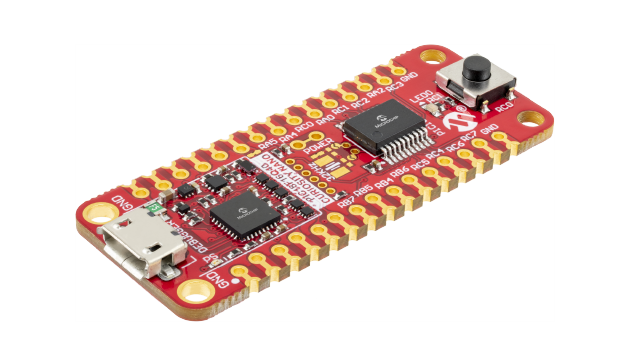
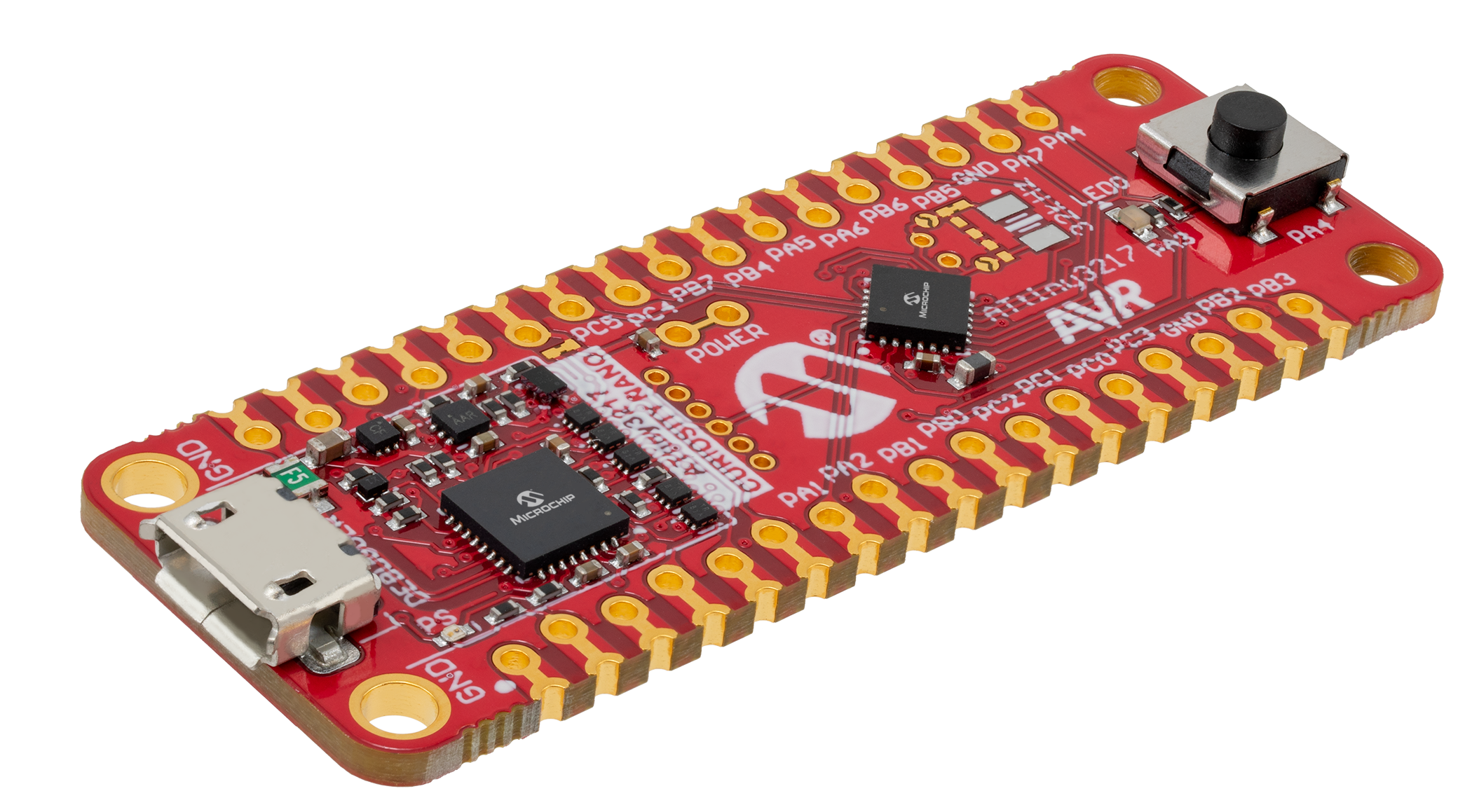
ATtiny3217 Curiosity Nano Evaluation Kit
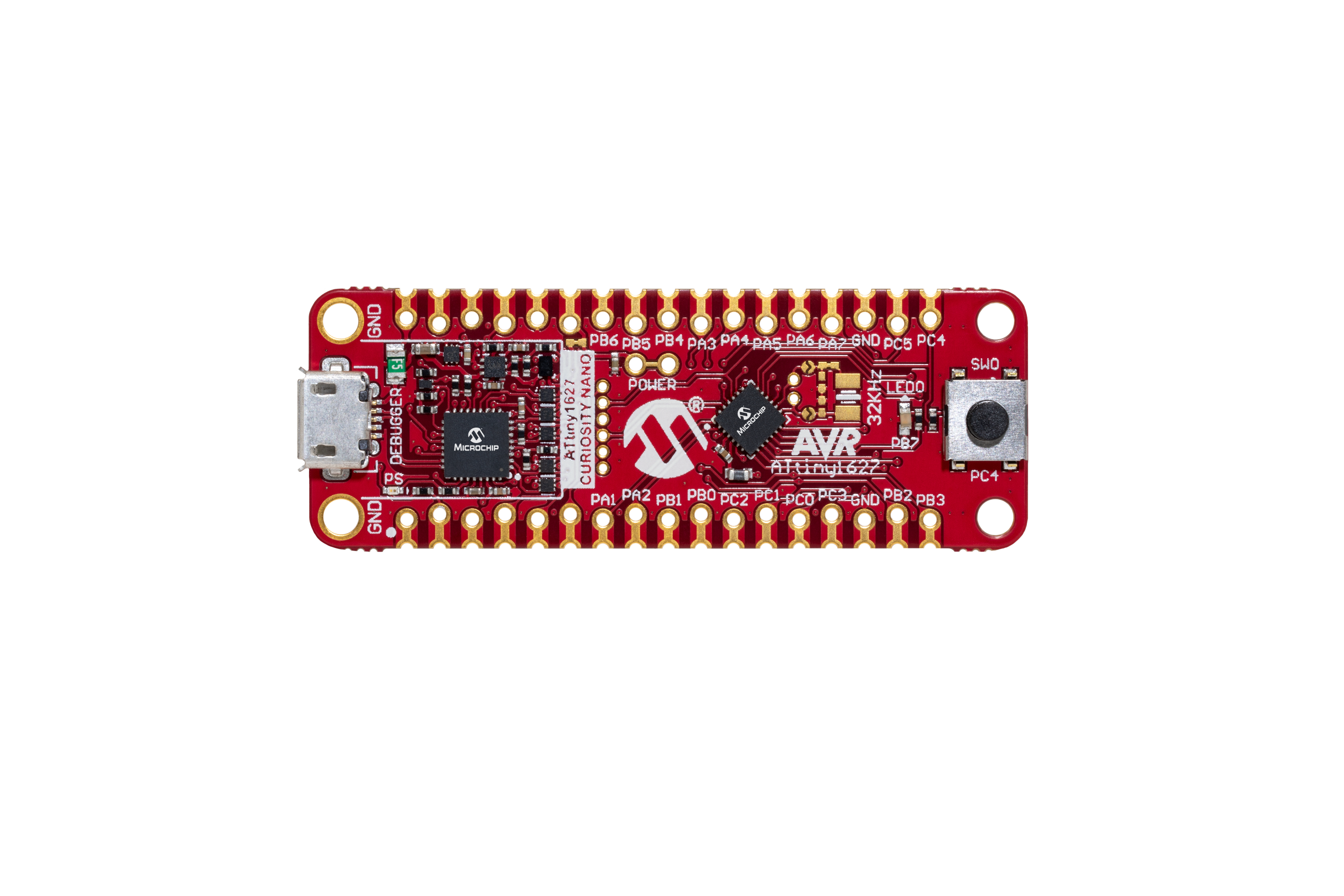
ATtiny1627 Curiosity Nano Evaluation Kit
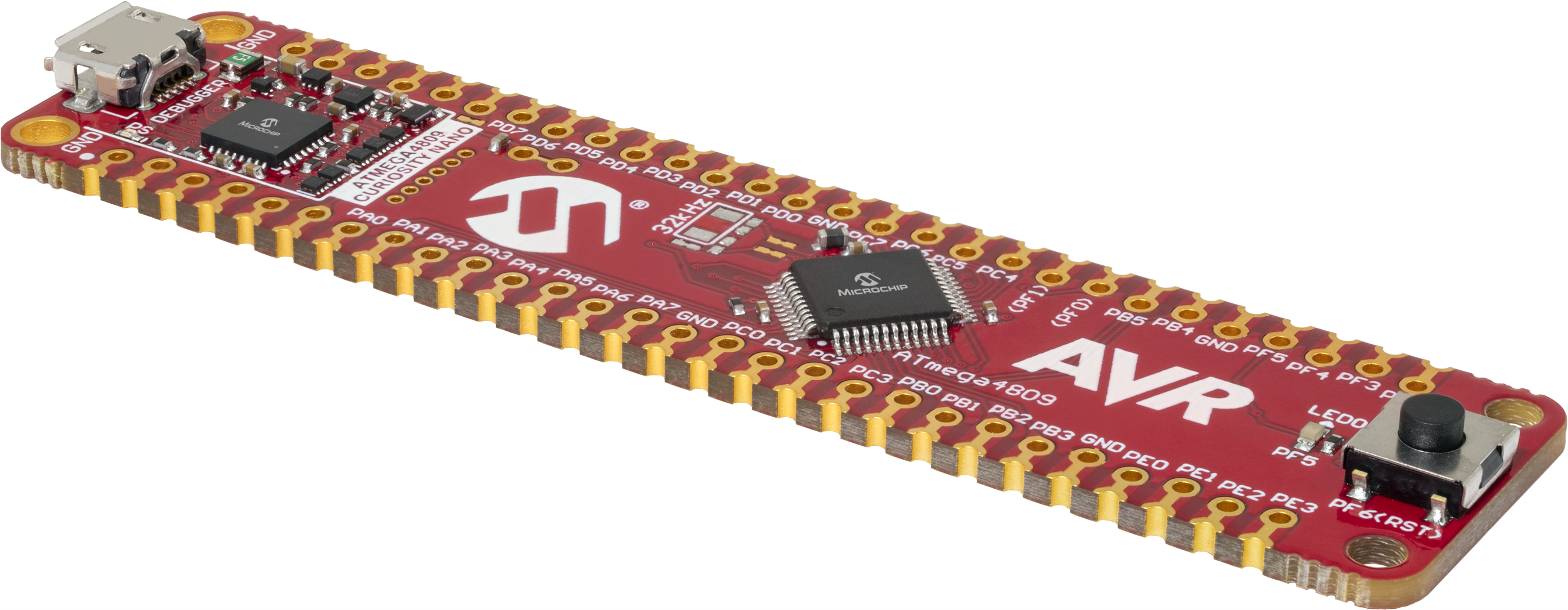
ATmega4809 Curiosity Nano Evaluation kit
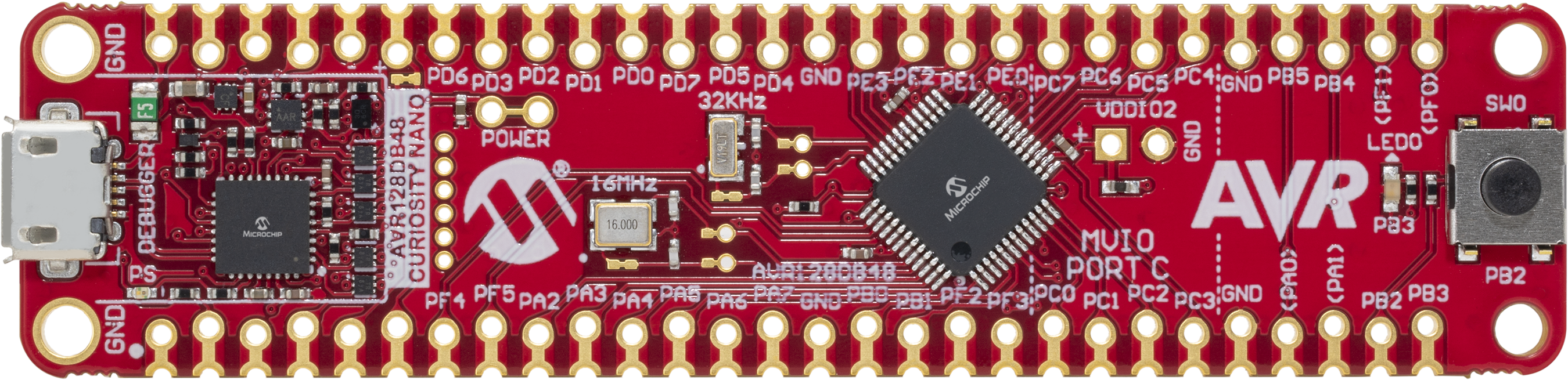
AVR128DB48 Curiosity Nano Evaluation kit
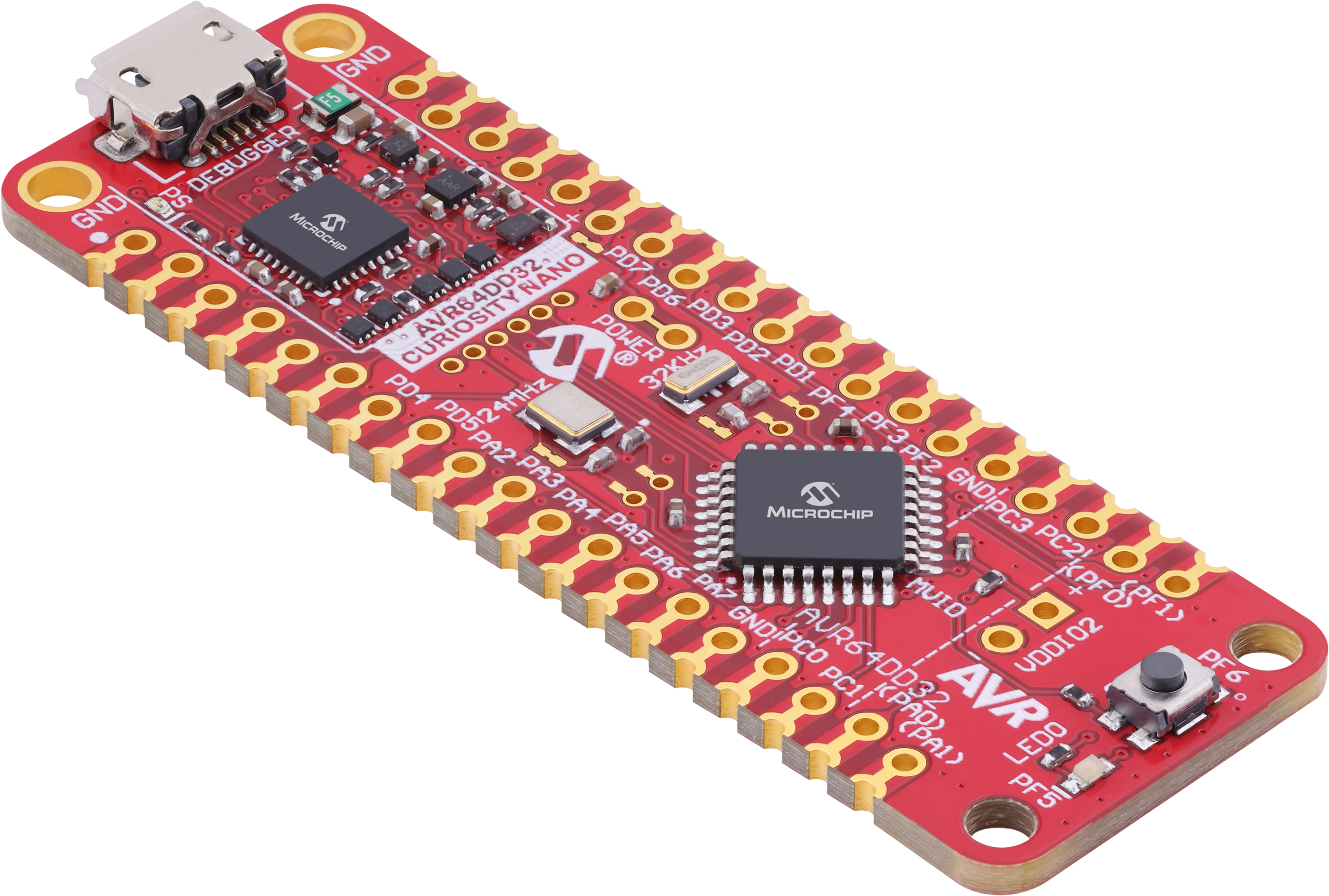
AVR64DD32 Curiosity Nano Evaluation Kit
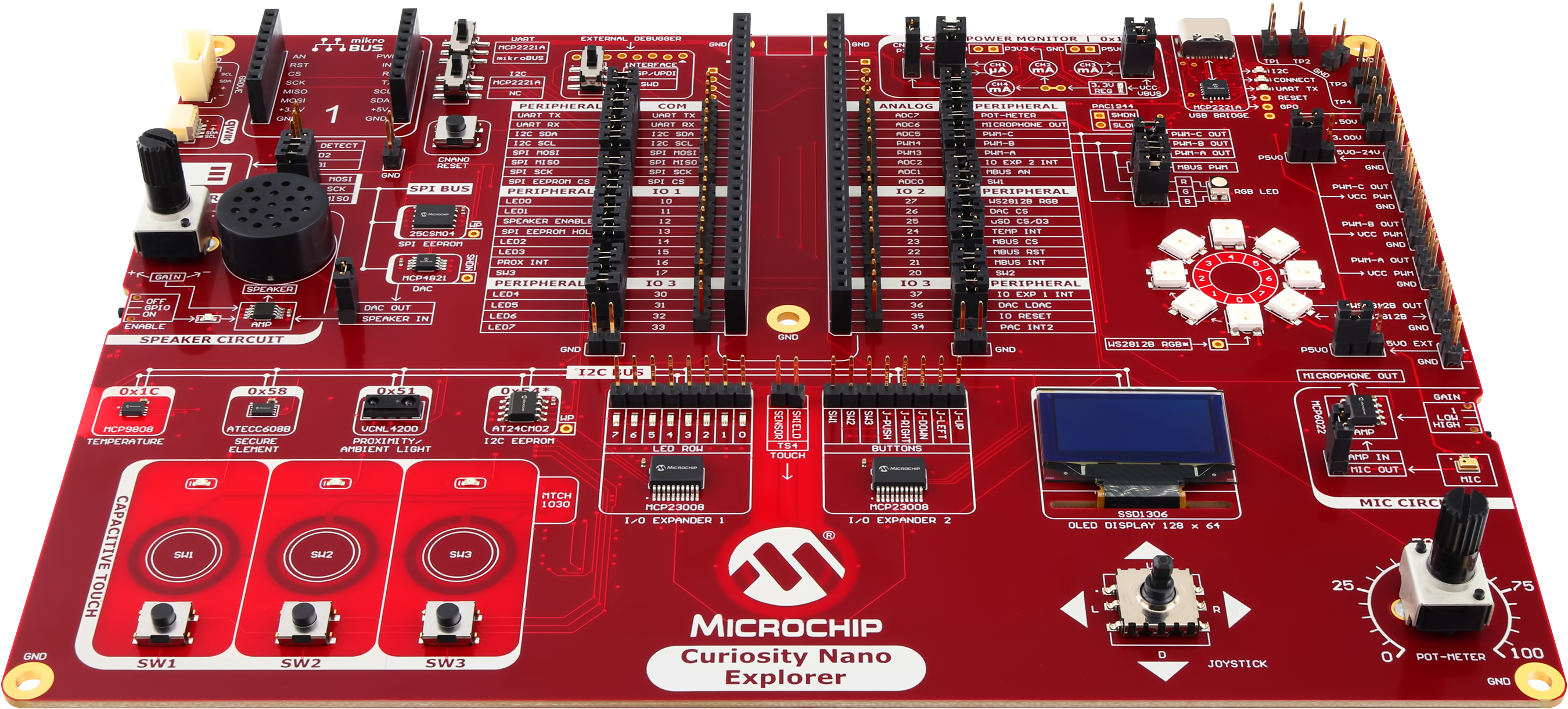
Curiosity Nano Explorer
The Curiosity Nano Explorer lives up to its name by providing extensive on-board features that allow users to explore microcontroller peripherals.
Learn about some of the many peripherals found on newer AVR® MCUs and how to interact and program them with easy-to-follow example applications.
How to Leverage Peripherals and Write C-Code for AVR® MCUs
Read Now
Blog: How to Write Bare-Metal Code for PIC® or AVR® MCUs
Learn how to quickly write bare-metal C code and understand the drivers that MPLAB® Code Configurator (MCC) generates for PIC and AVR MCUs.
Intro to Bare Metal Programming with the AVR® Tiny2 and AVR DD
Learn how to develop Bare Metal programs on the AVR® Tiny2 (ATiny1627 family) and AVR DD (AVR64DD32) family of parts.