Welcome to our Product Tour!
Ready to see how Sage X3 supports your complex processes, transactions and interactions with personalized insights to help you thrive?
Product tour menu
SAGE X3
Inventory Control
Procurement
Financial Management
Manufacturing Management
Personalization & User Experience
Talk to our experts
See pricing
Yes, let's go!
Next
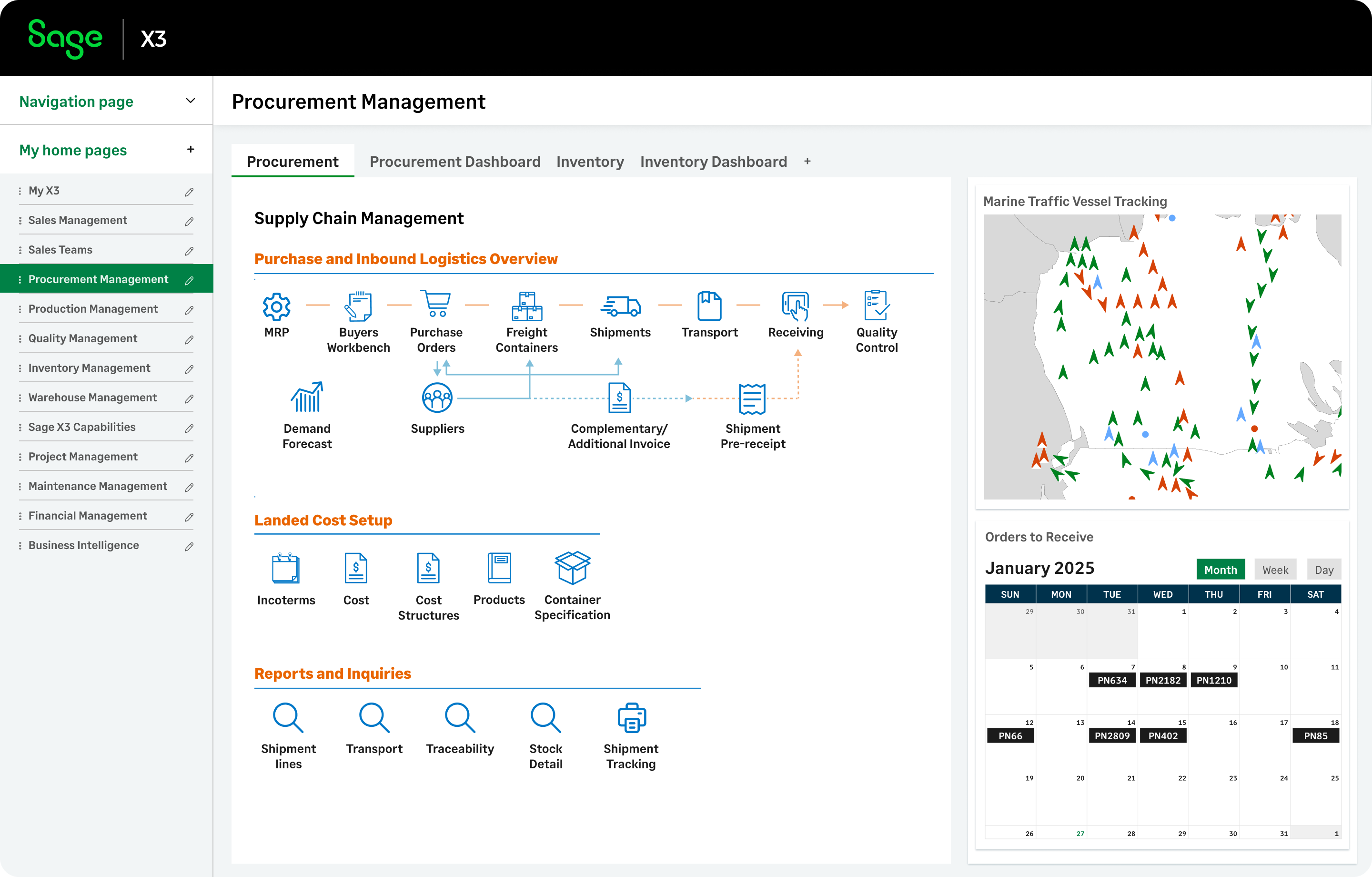
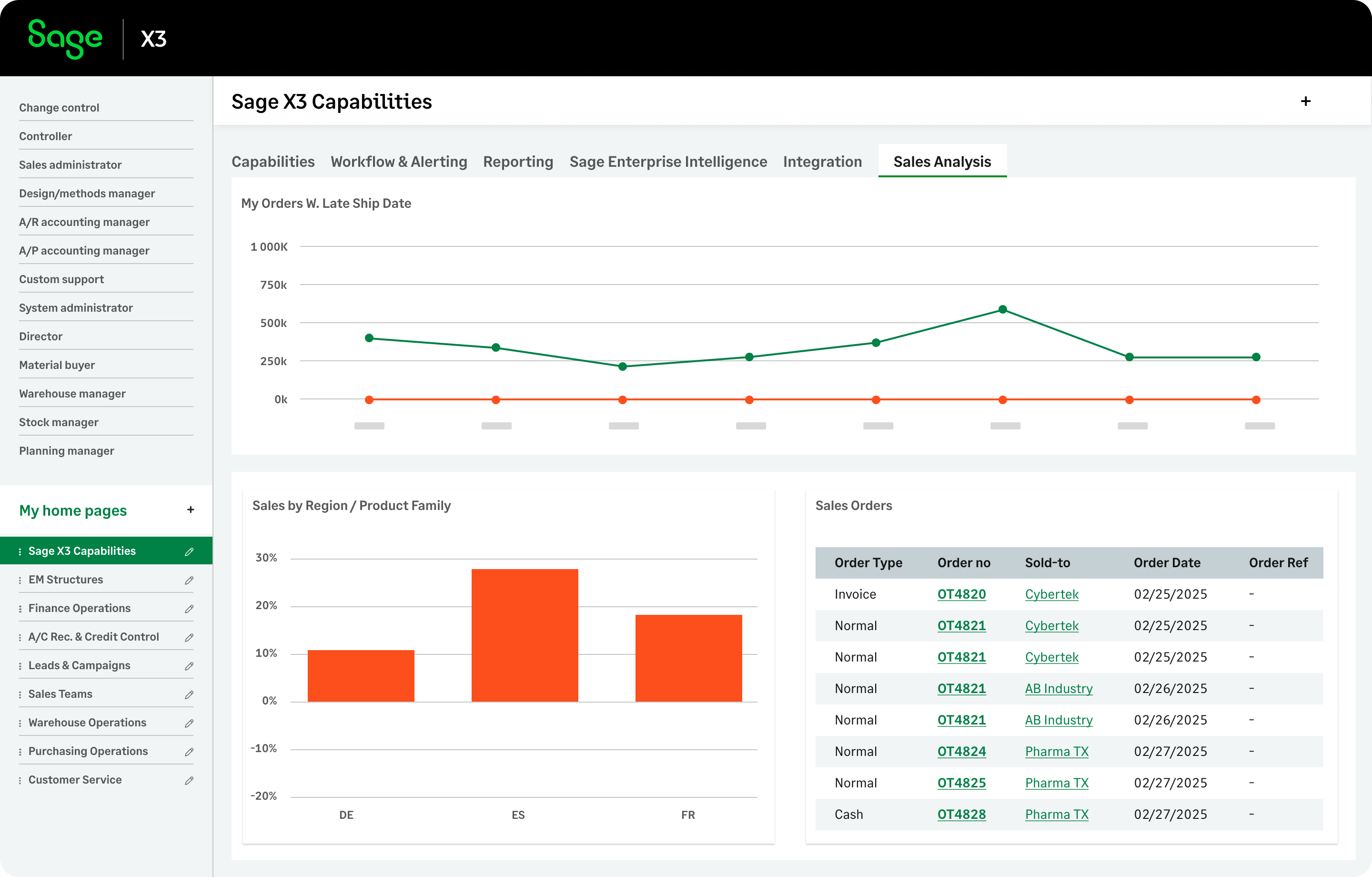
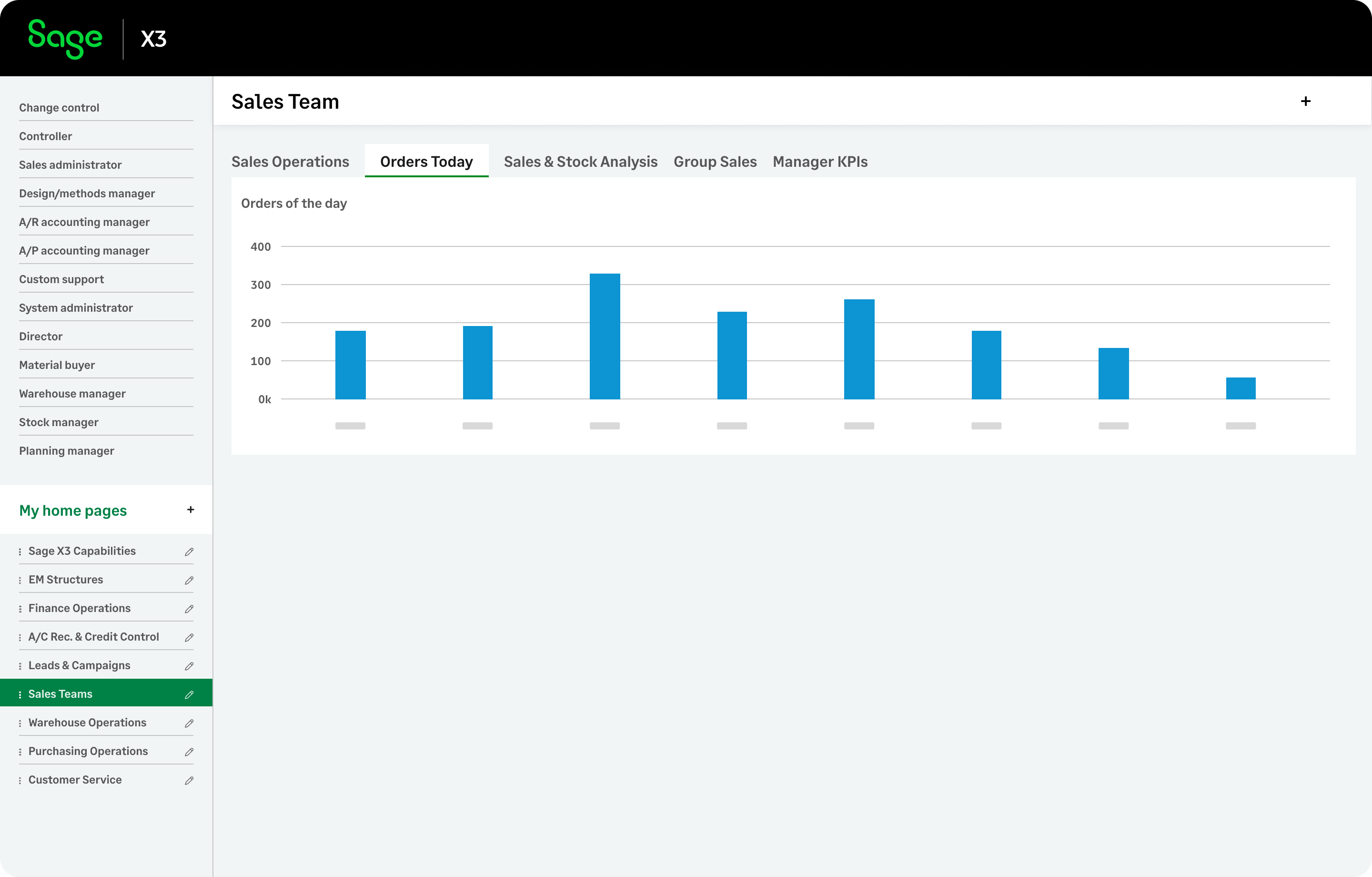
Regardless of your department, you can personalize your team's workspace with role-based landing pages tailored to daily activities. Customize it with tabs, gadgets, and real-time reporting to streamline tasks. Let’s start our tour with procurement.
Feel free to click the hamburger icon above to skip ahead to tour contents
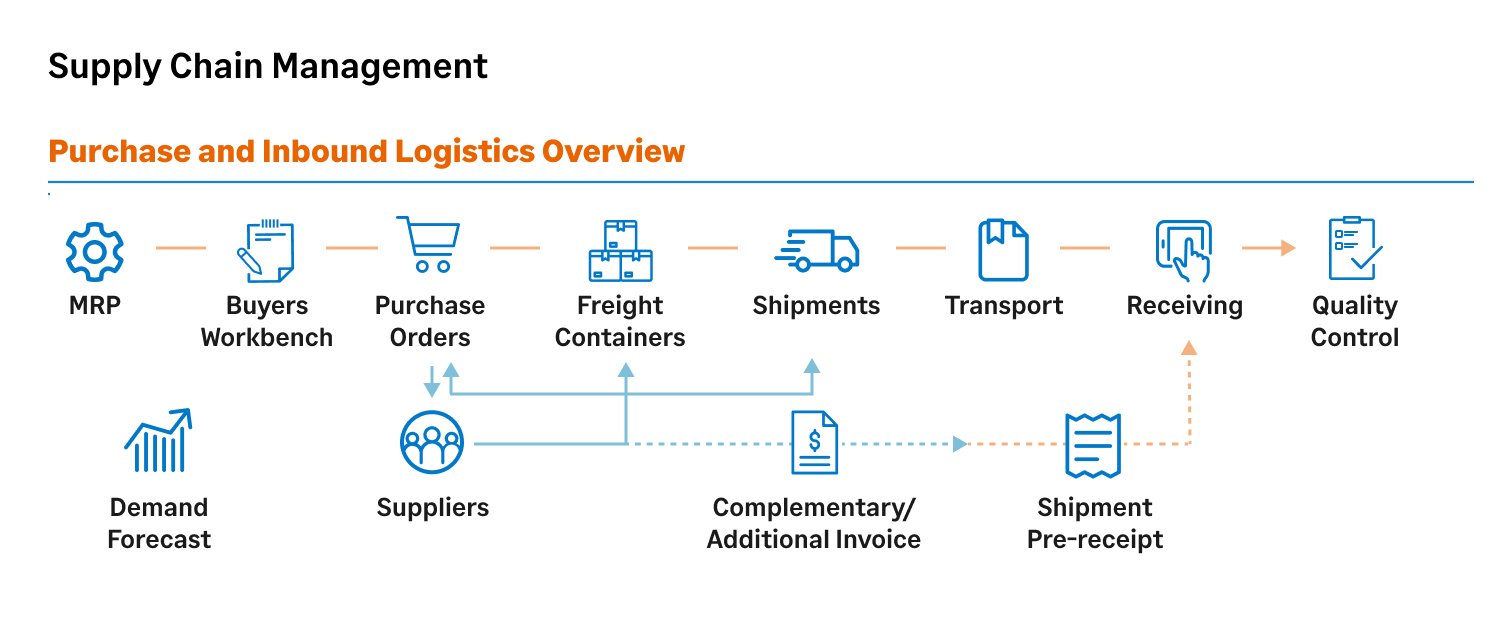
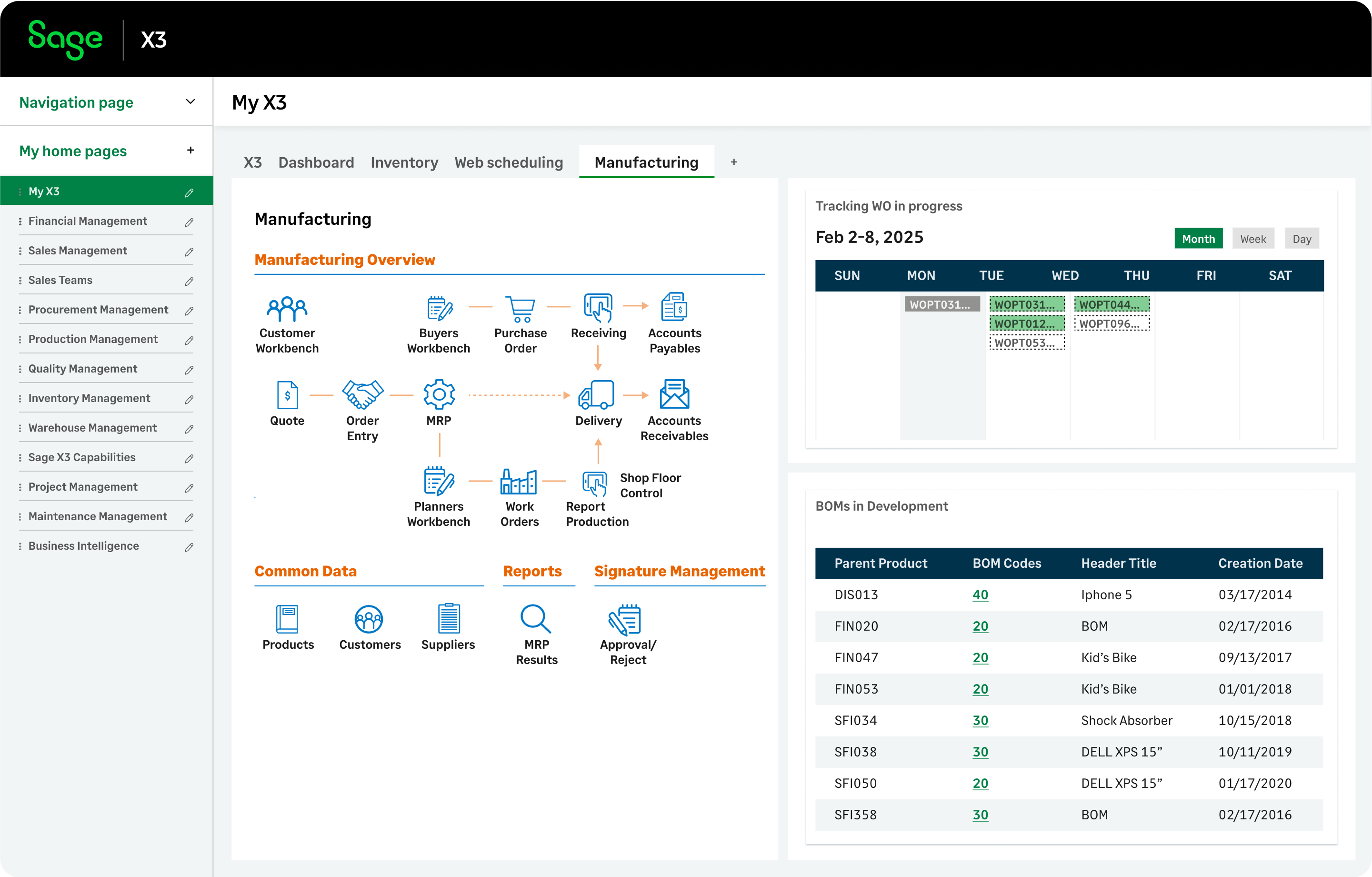
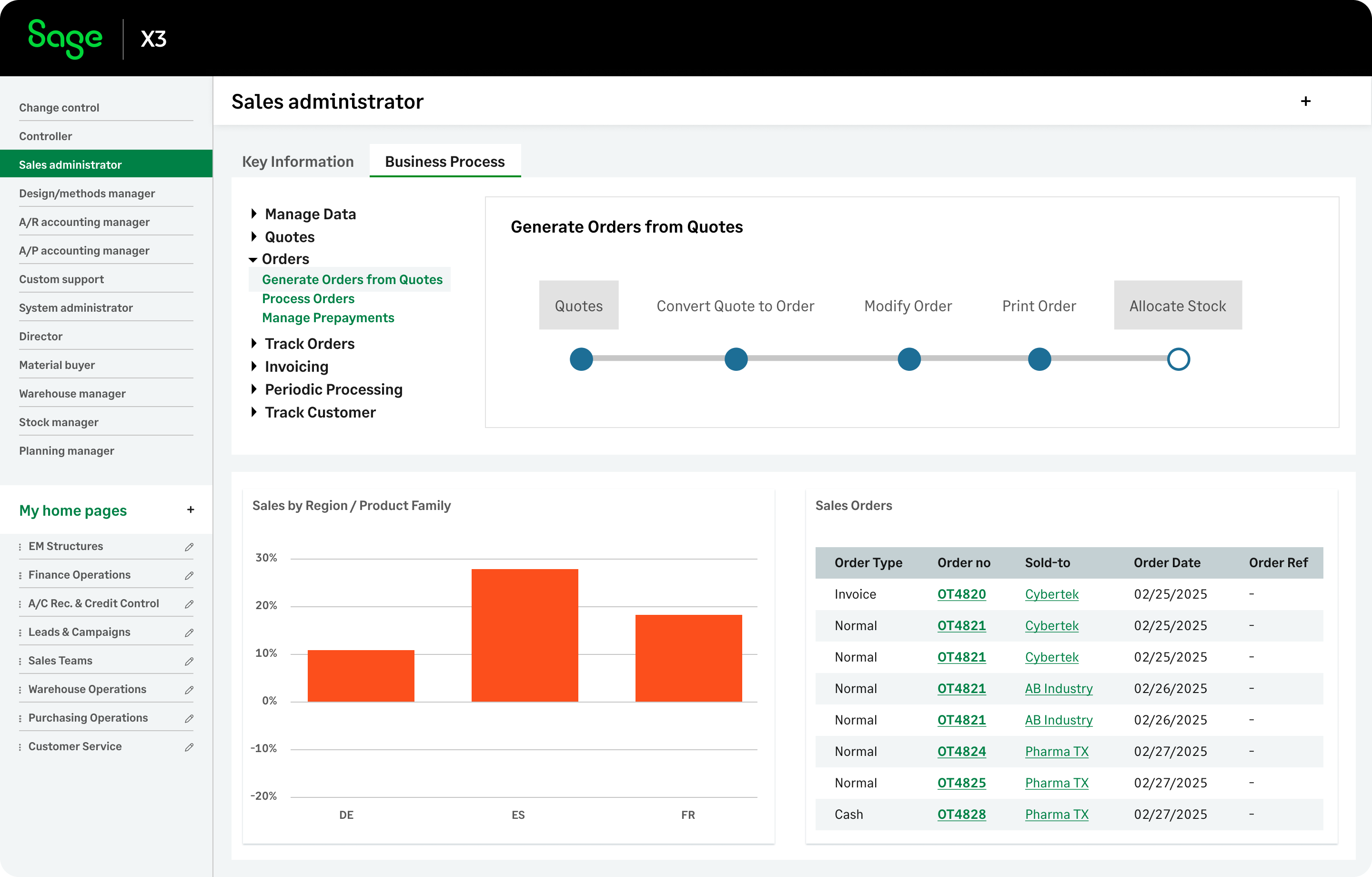
Sage X3 includes hundreds of prebuilt, customizable visual process maps, where each clickable element represents a function, report, or inquiry. This example illustrates the business transaction flow from MRP through Quality Control in a single integrated process.
Previous
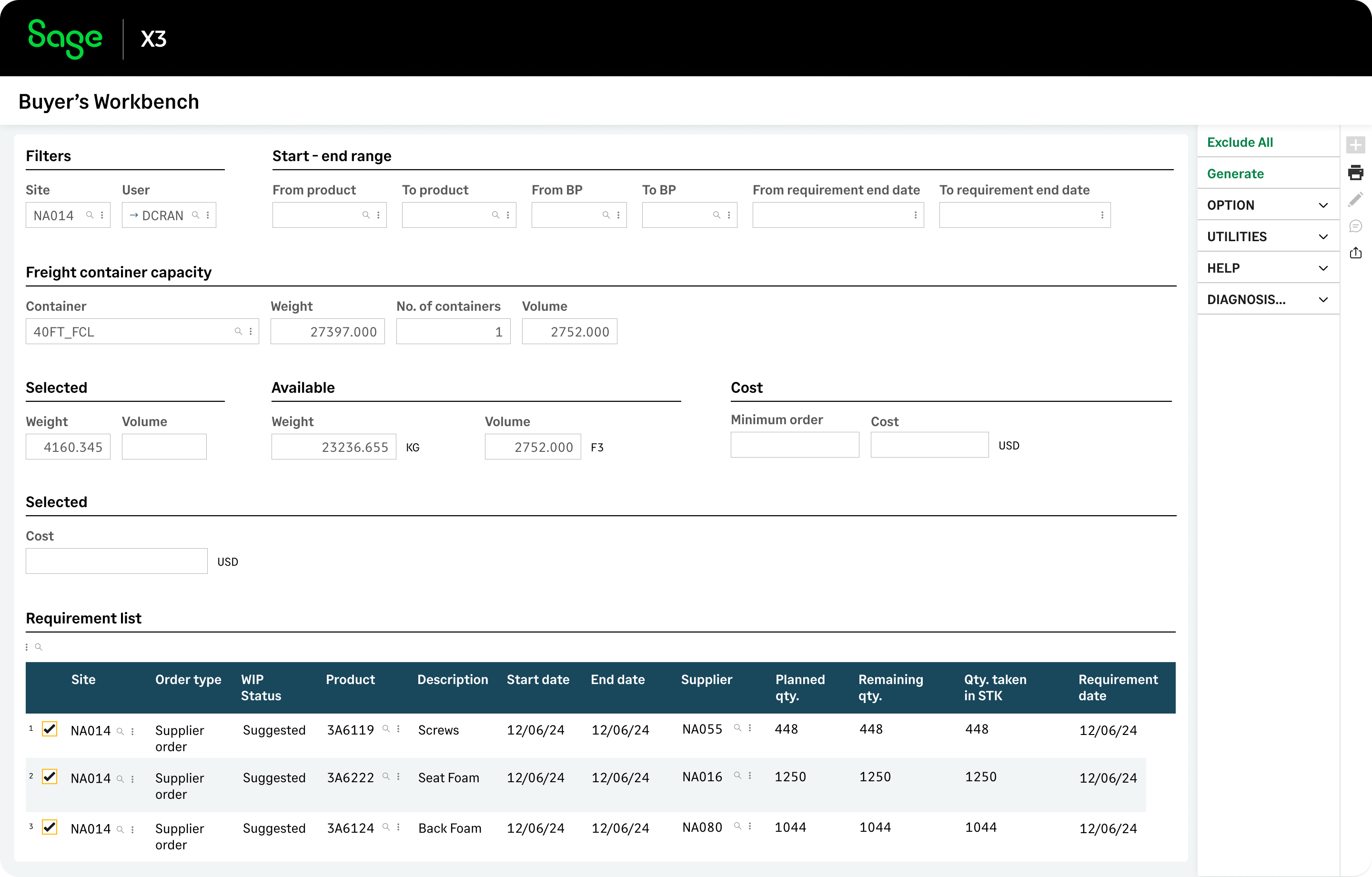
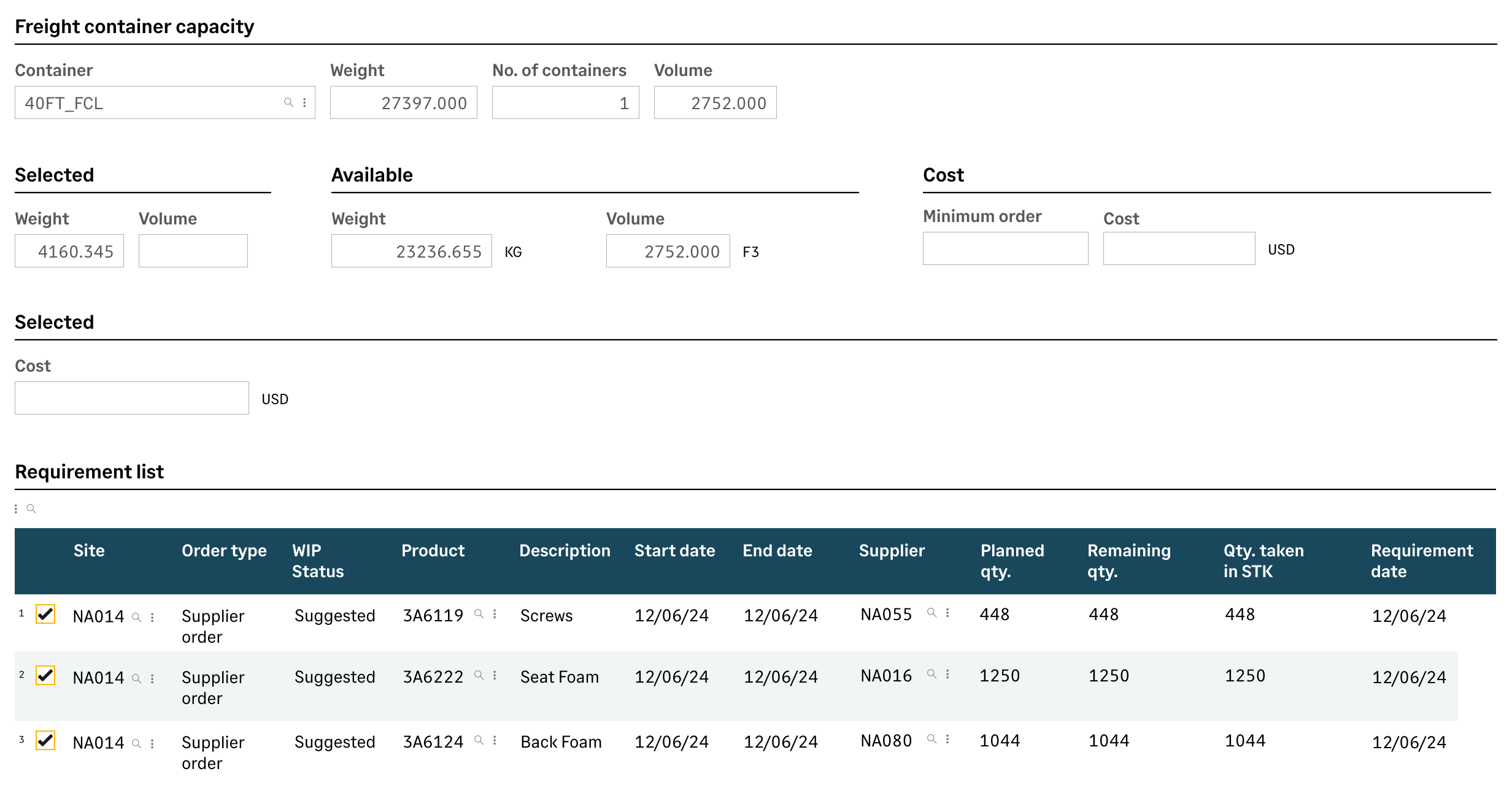
With the Buyer’s Workbench you get smart purchase order suggestions, filtered by date, supplier, and product. Sage X3 then auto-generates POs by supplier and consolidates capacity requirements to. optimize shipping container space.
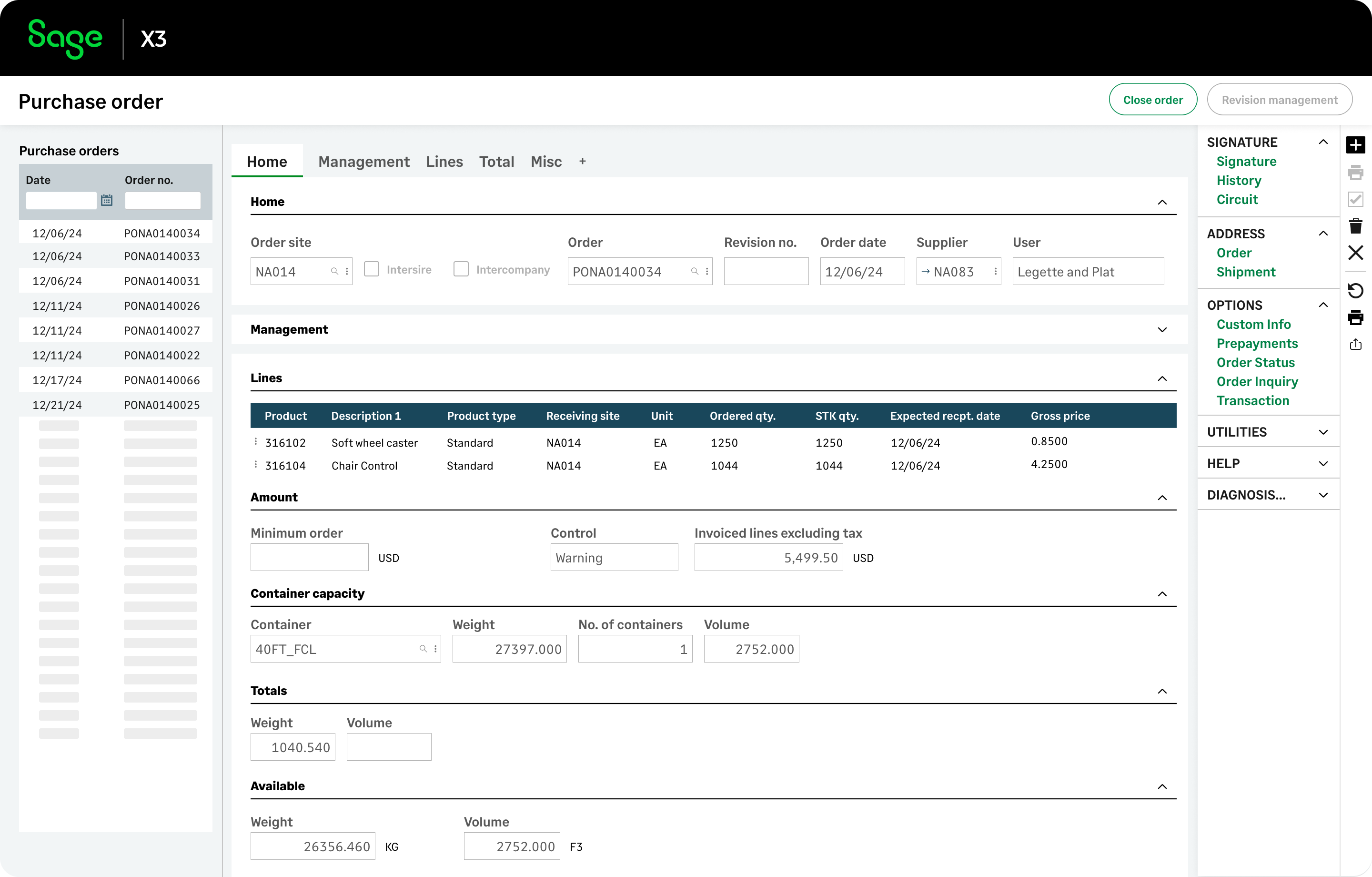
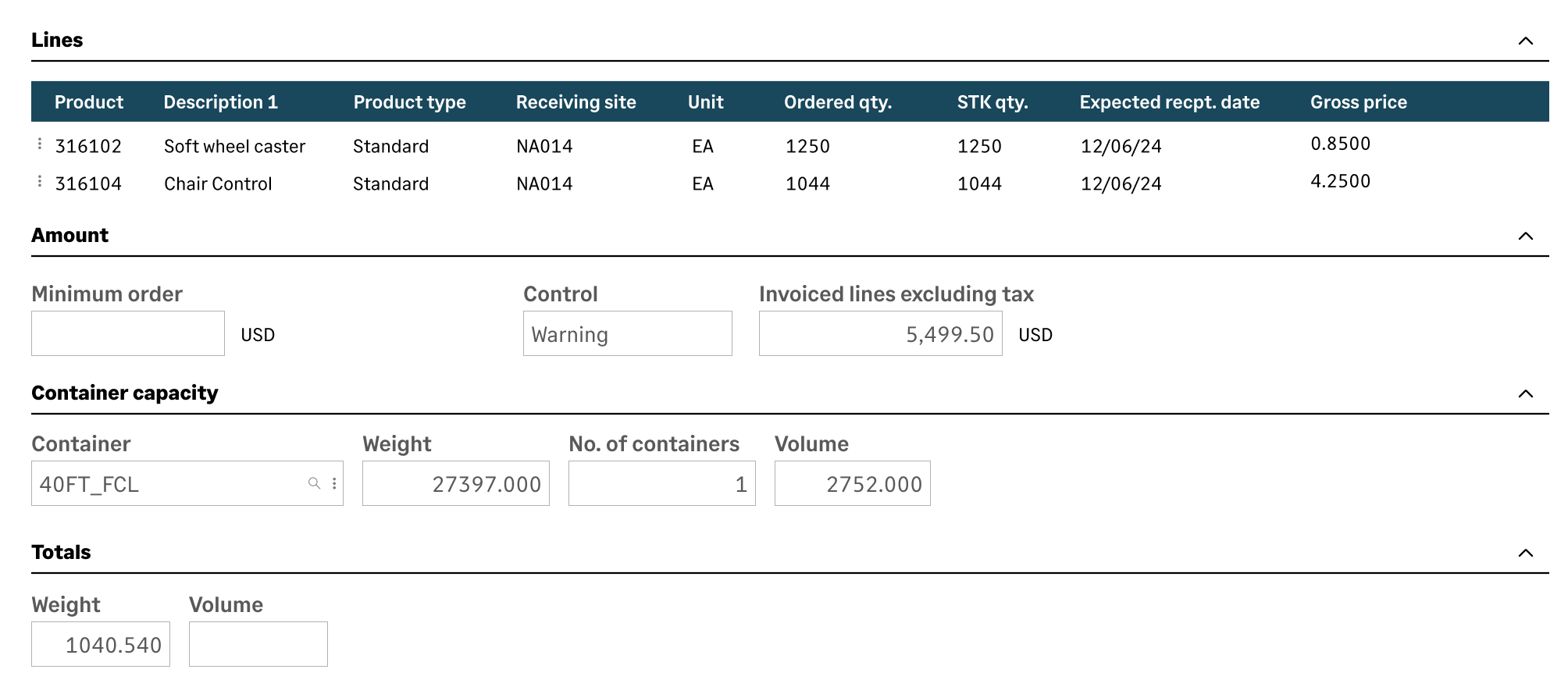
You can easily review and update purchase orders created from the Buyer's Workbench. Manage PO approvals, container capacity, and customs documentation, while keeping your suppliers updated via EDI and email.
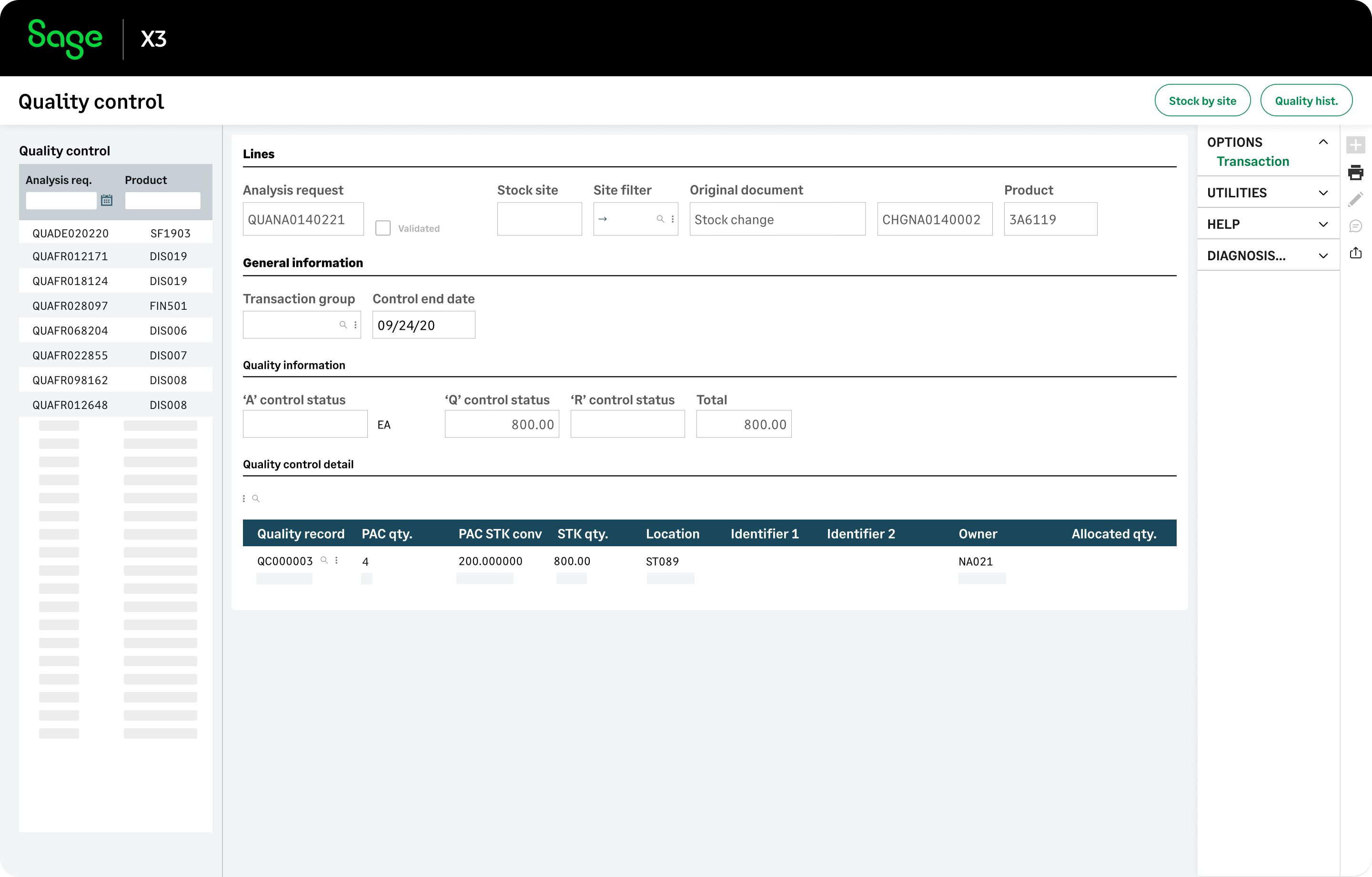
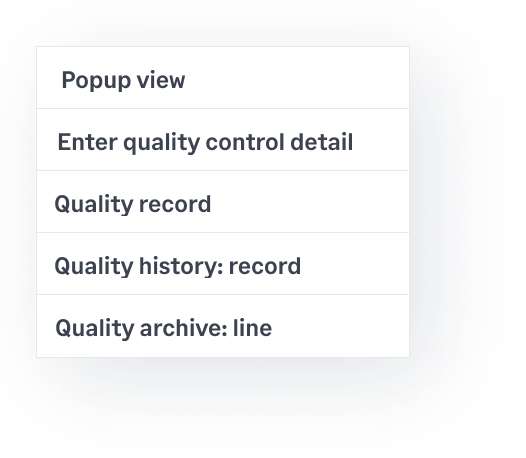
Sage X3 has robust quality control tools to help receivers identify issues early and reduce waste. From inspection requests to detailed analysis, ensure raw materials meet your standards before production.
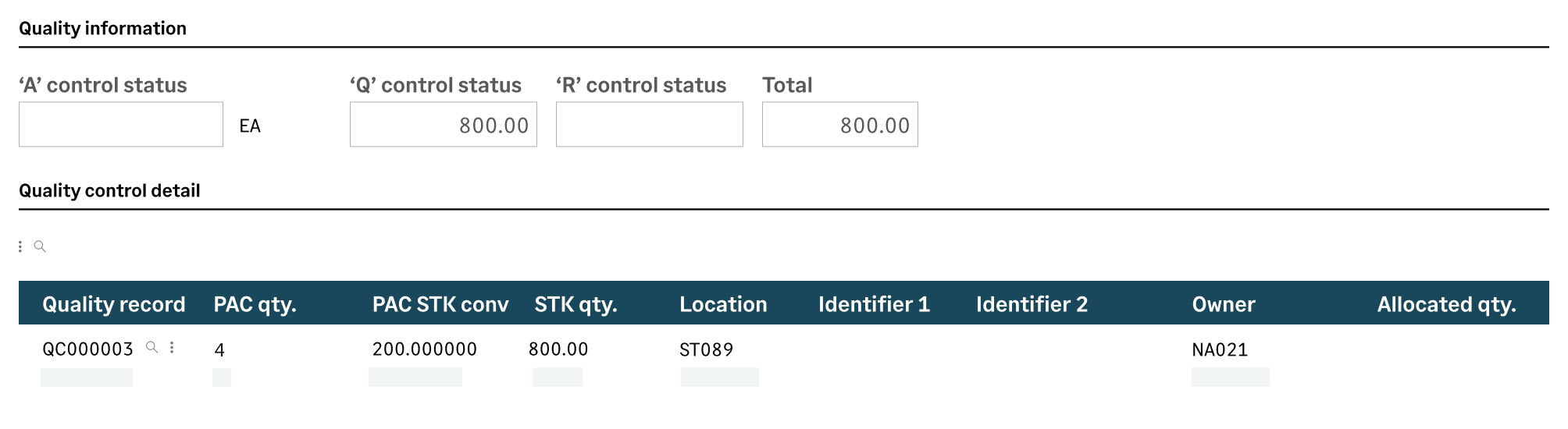
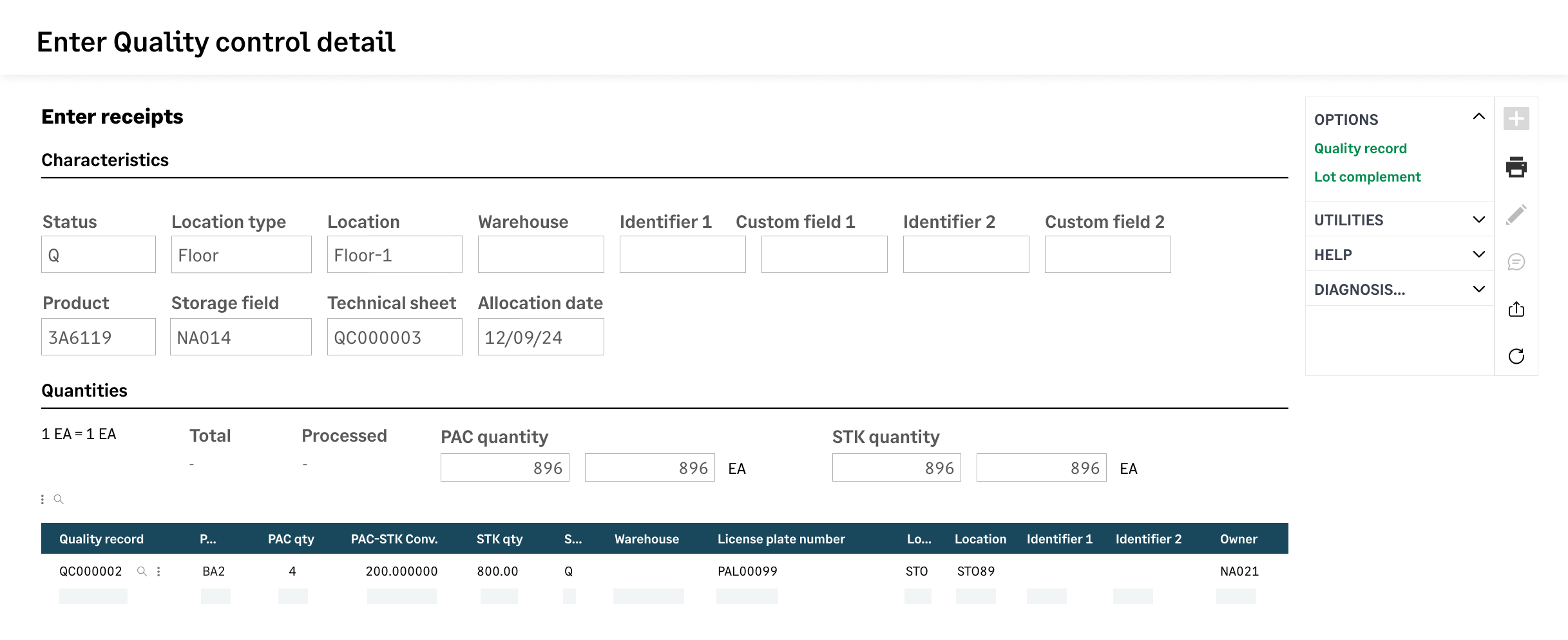
Every quality control inspection captures line-item stock details such as quantity, status, and location to create a traceable log of stock movements. This precise tracking enhances compliance and accelerates issue resolution.
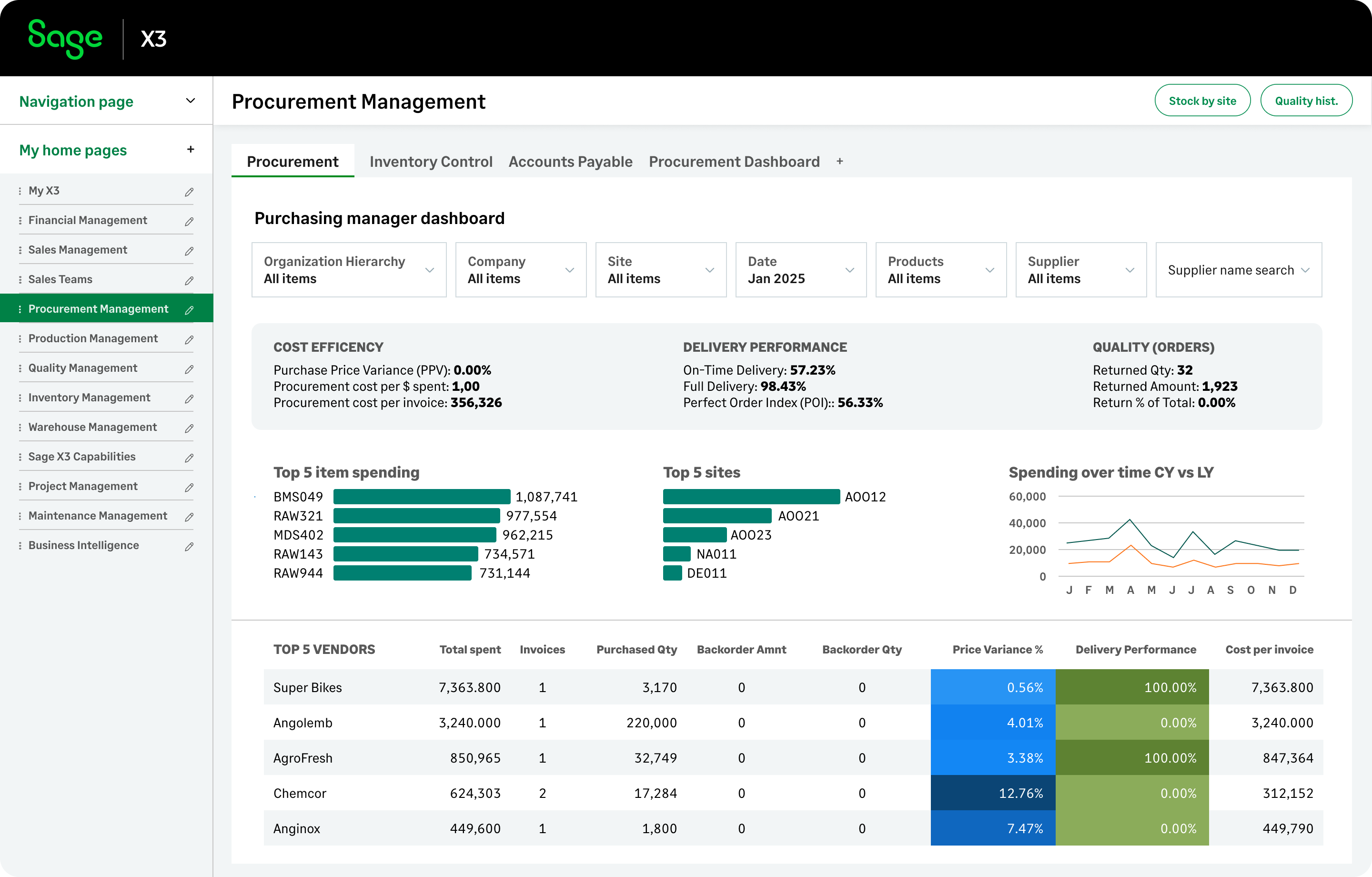
Optimize your procurement strategy with a dashboard that can reveal saving opportunities or even strengthen supplier negotiations. Compare vendor performance or monitor price deviations and easily filter by region or supplier.
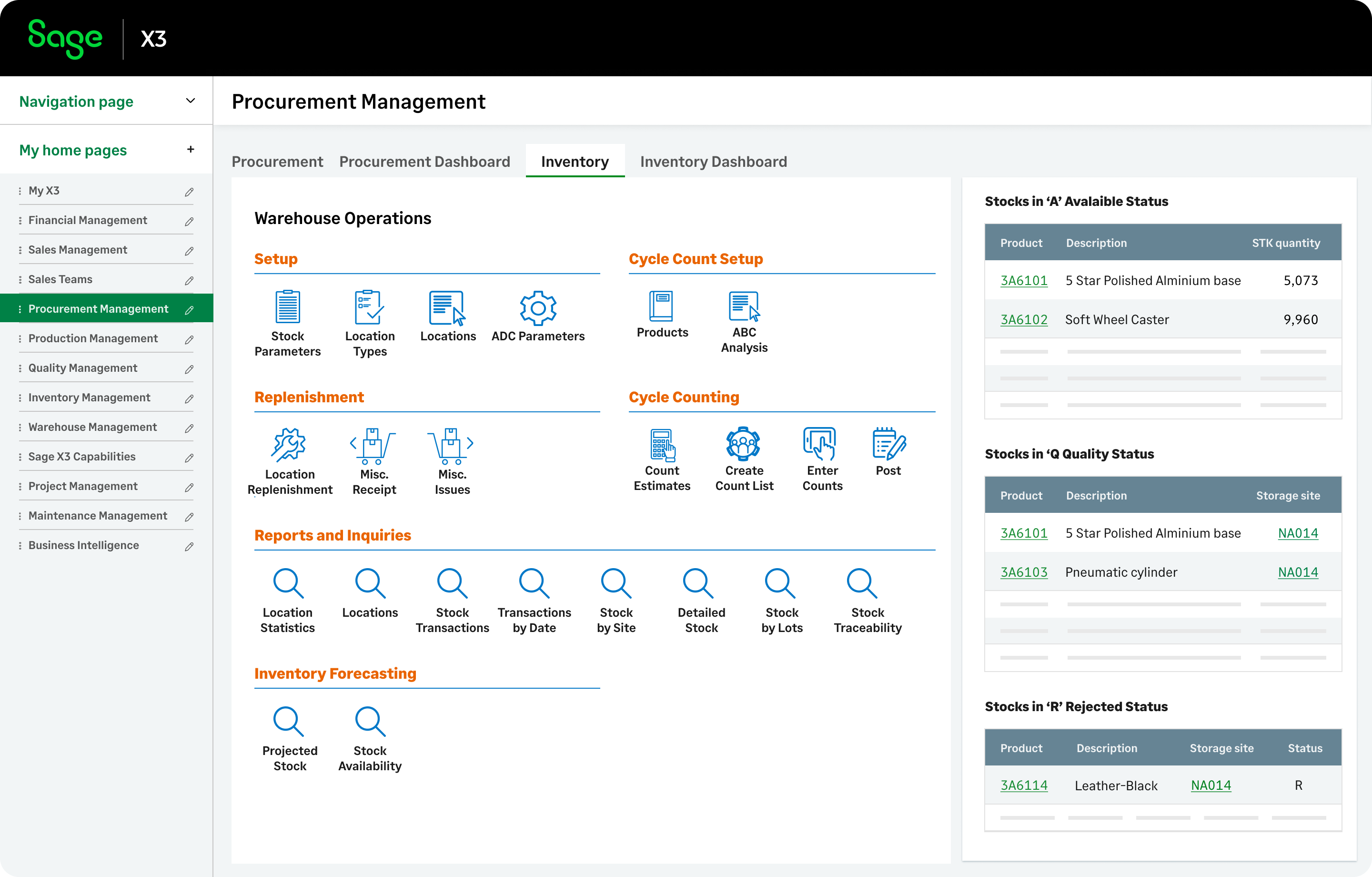
Let's look at the Inventory Control tab. Items received into inventory can be marked as A (Accepted), Q (Quality Control), and R (Rejected). This prevents errors and ensures only validated goods reach production.
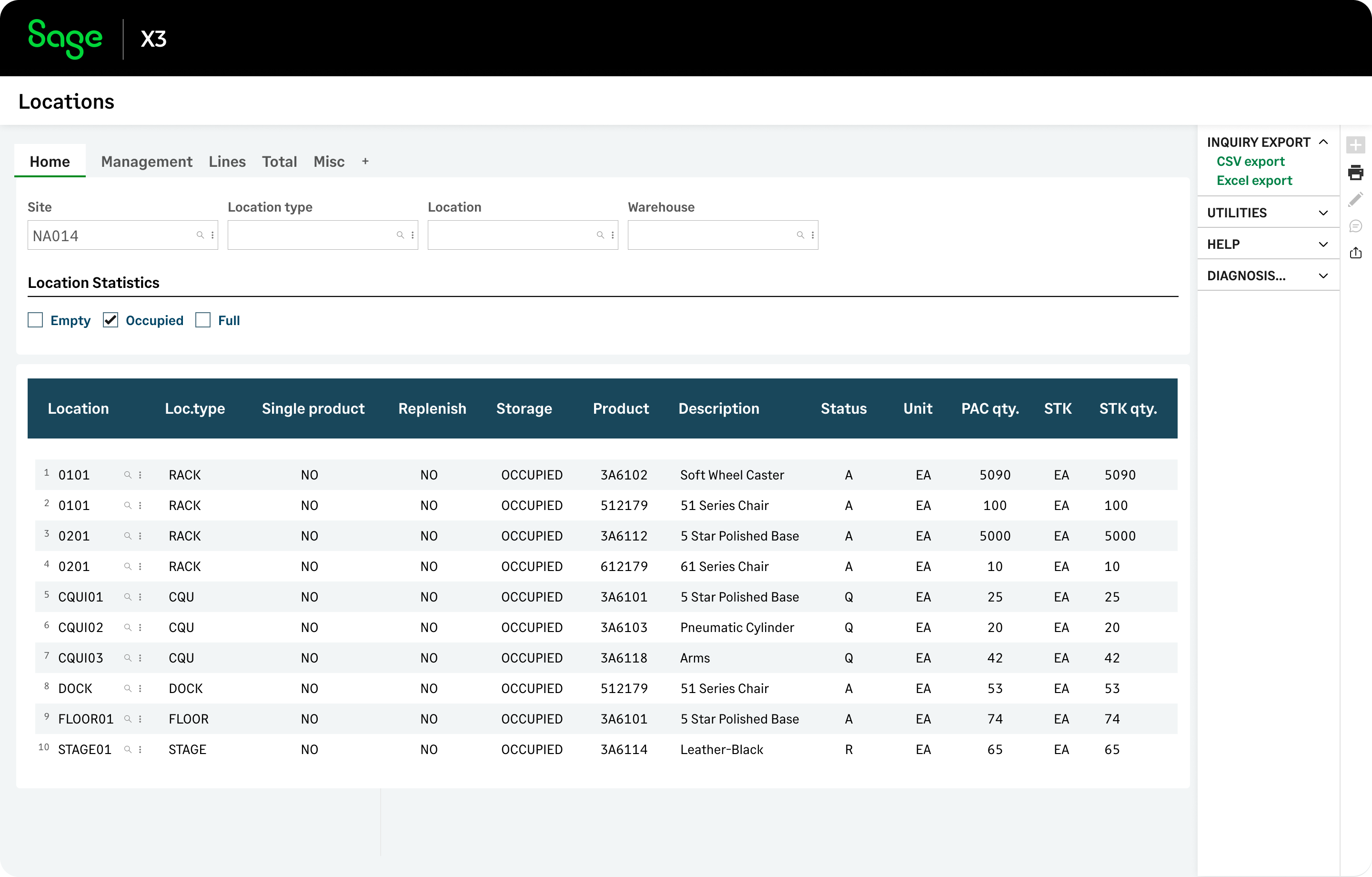
Once received inventory items are managed by type, zone, and location. The Location Management inventory report gives you insights on enhancing warehouse efficiency. Customize rules and get insights that help improve traceability, space utilization, storage, and retrieval.
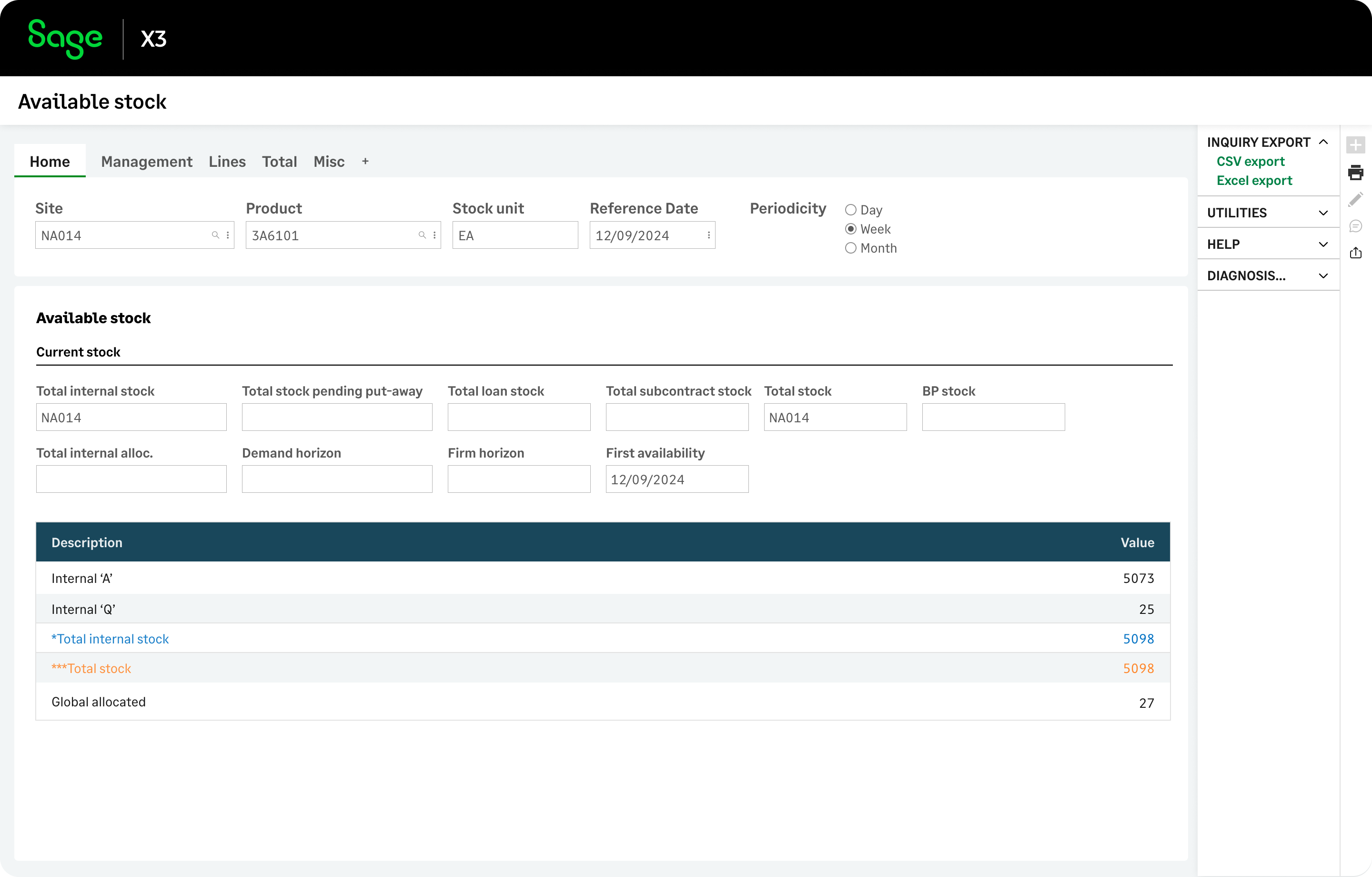
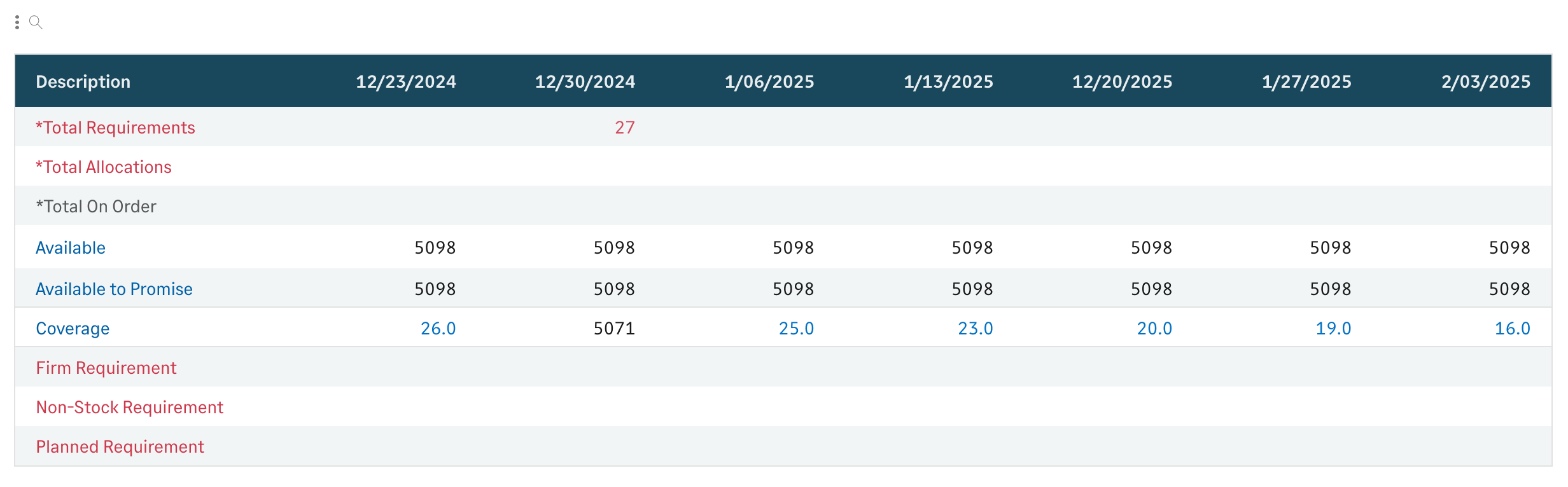
The Stock Availability inventory report shows real-time stock availability. See what's ready for use, under inspection, or rejected. This helps your planners, managers and sales admin prevent production delays, respond faster, and ship orders quickly.
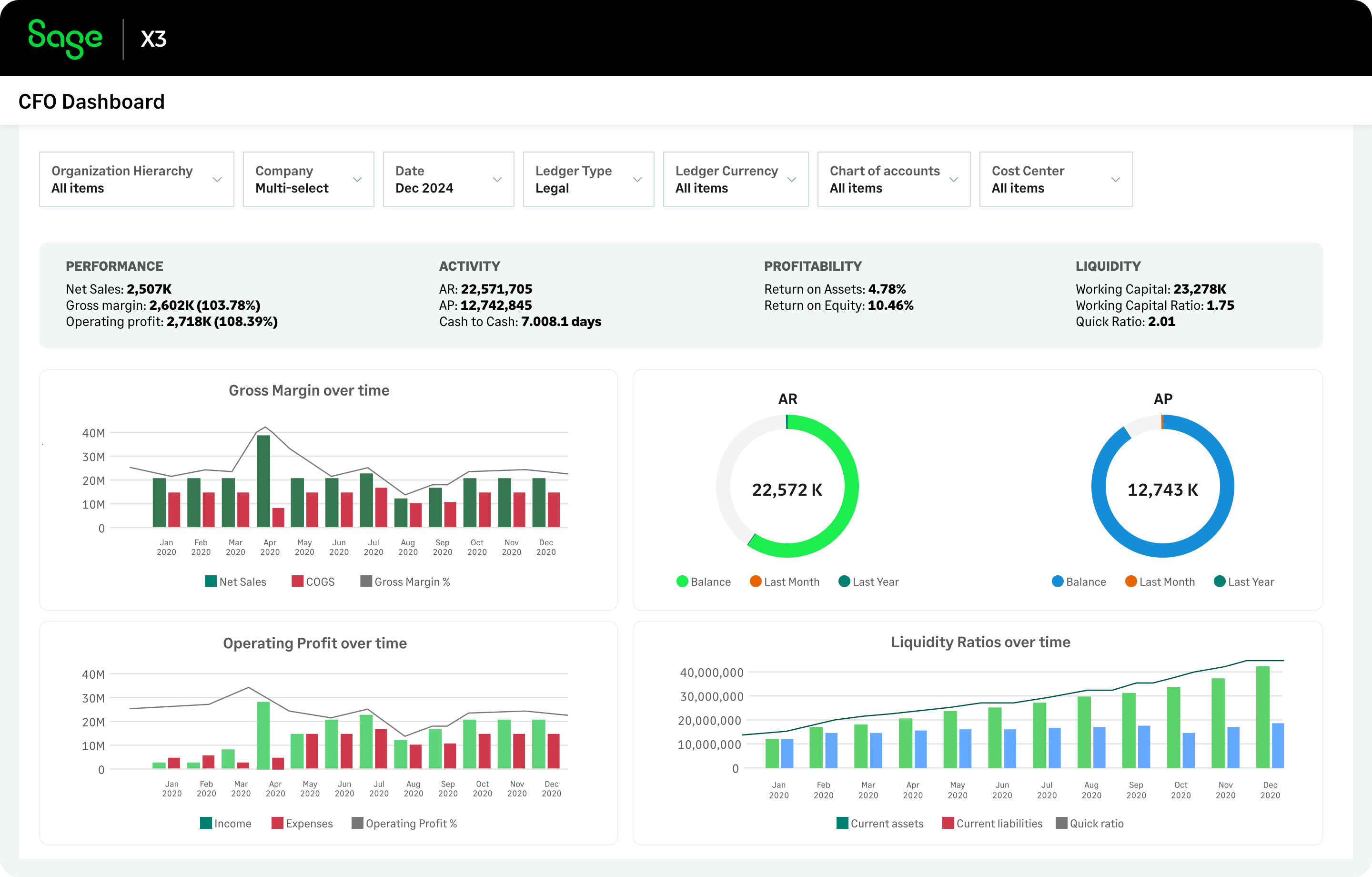
The CFO Dashboard provides quick access to industry-standard KPIs, ratios, and other profitability metrics at a glance. Like all Sage X3 dashboards, it is fully customizable with a drag-and-drop designer.
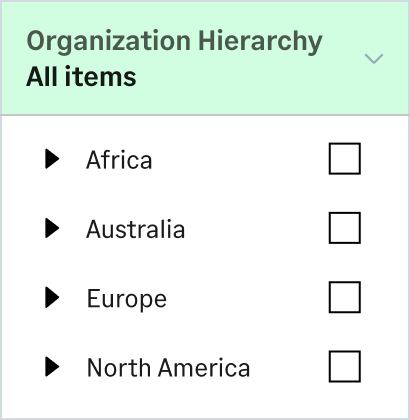
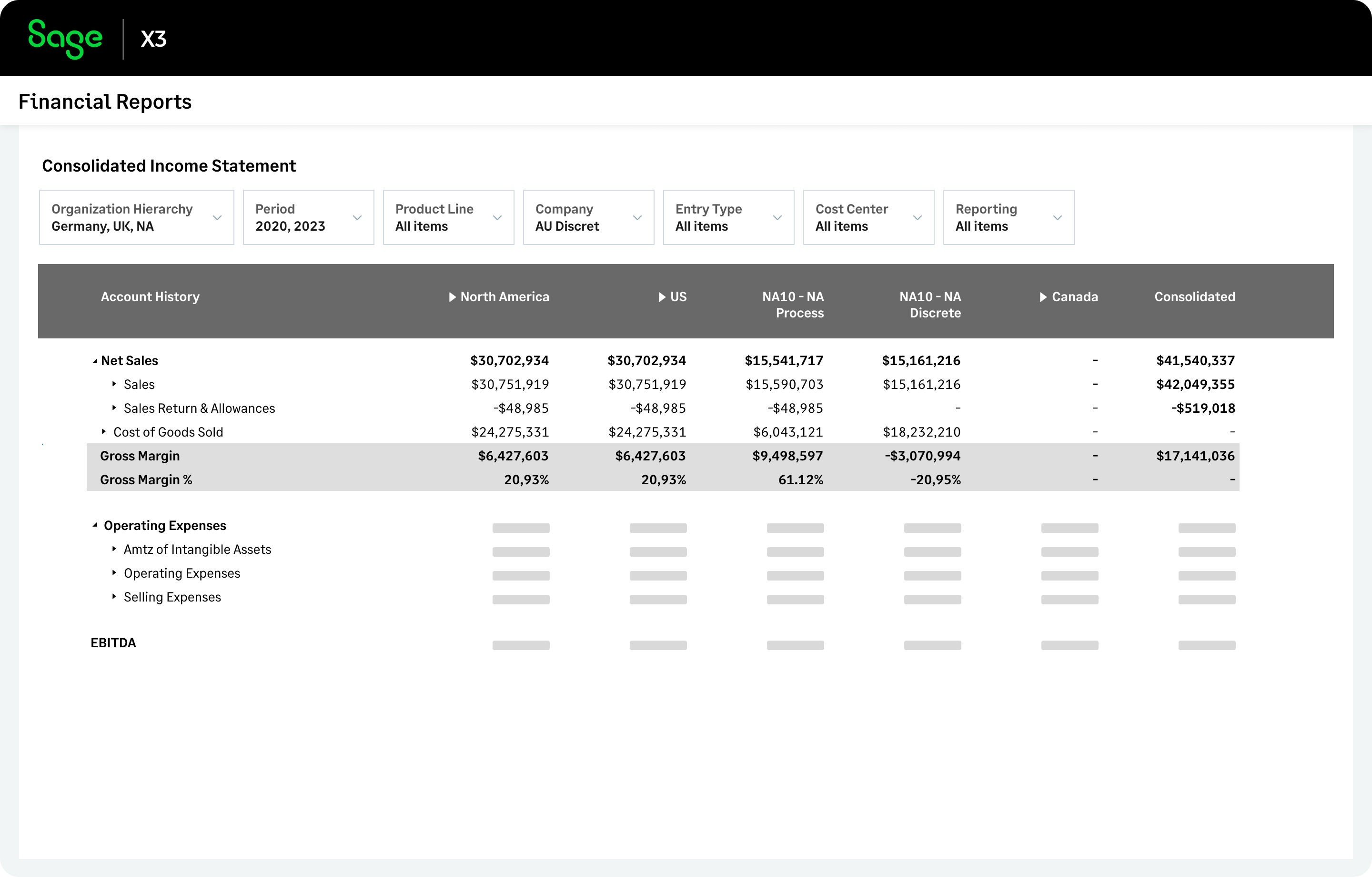
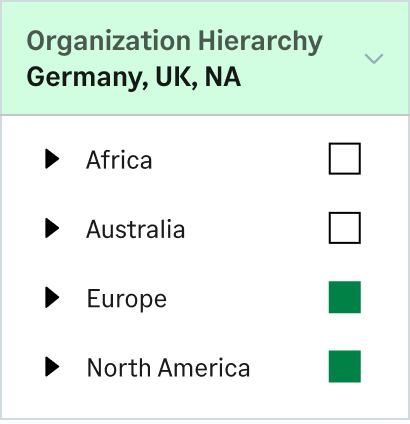
Sage X3 features consolidated financial reports, configurable to meet your business needs. Define unlimited reporting hierarchies by location, division, or department. See every company's performance with a click.
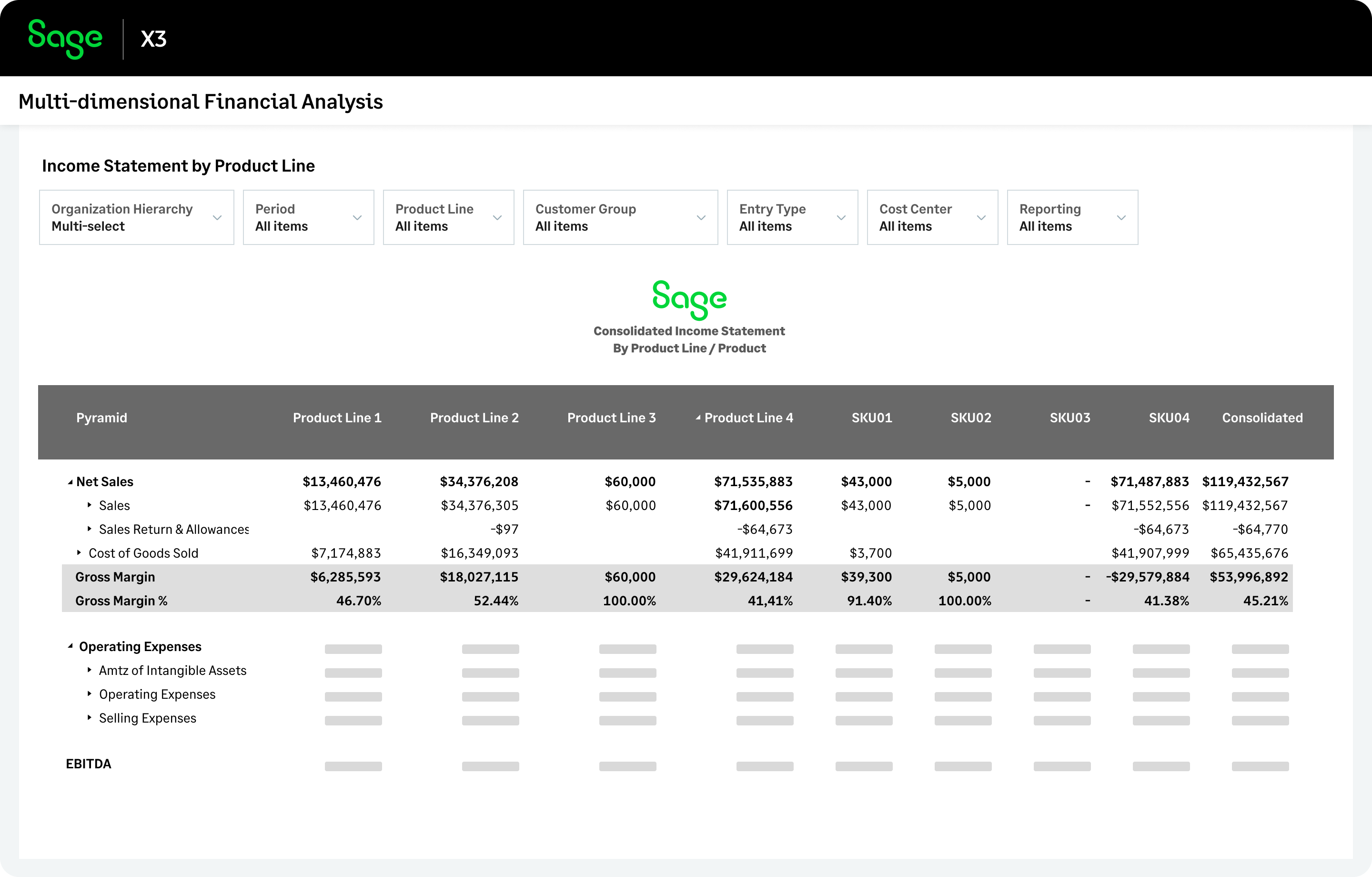
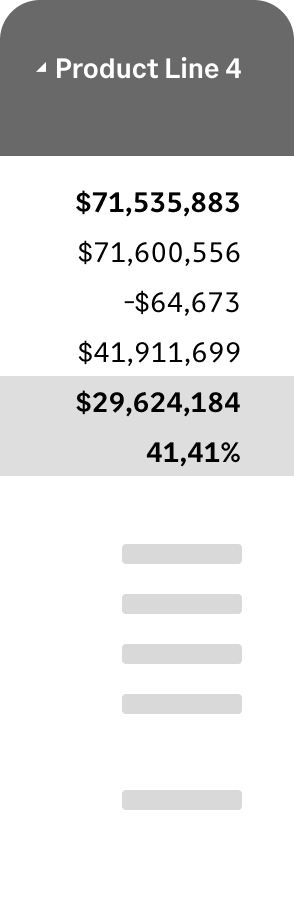
You can analyze financial performance using any custom dimension, such as product line or facility. This report shows P&Ls by product line. Transactions can auto-assign revenue and expense to these dimensions for accurate reporting.
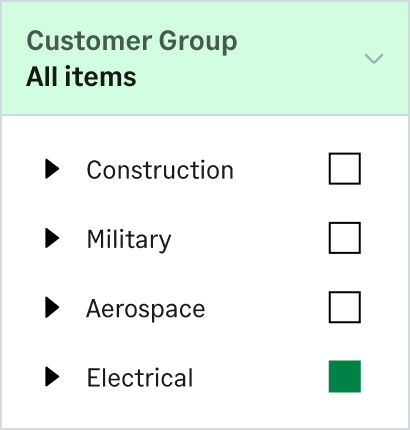
You can further analyze financial reports with a click. Here, the report is filtered to only show product sales for customers that are part of an 'Electrical' customer group.
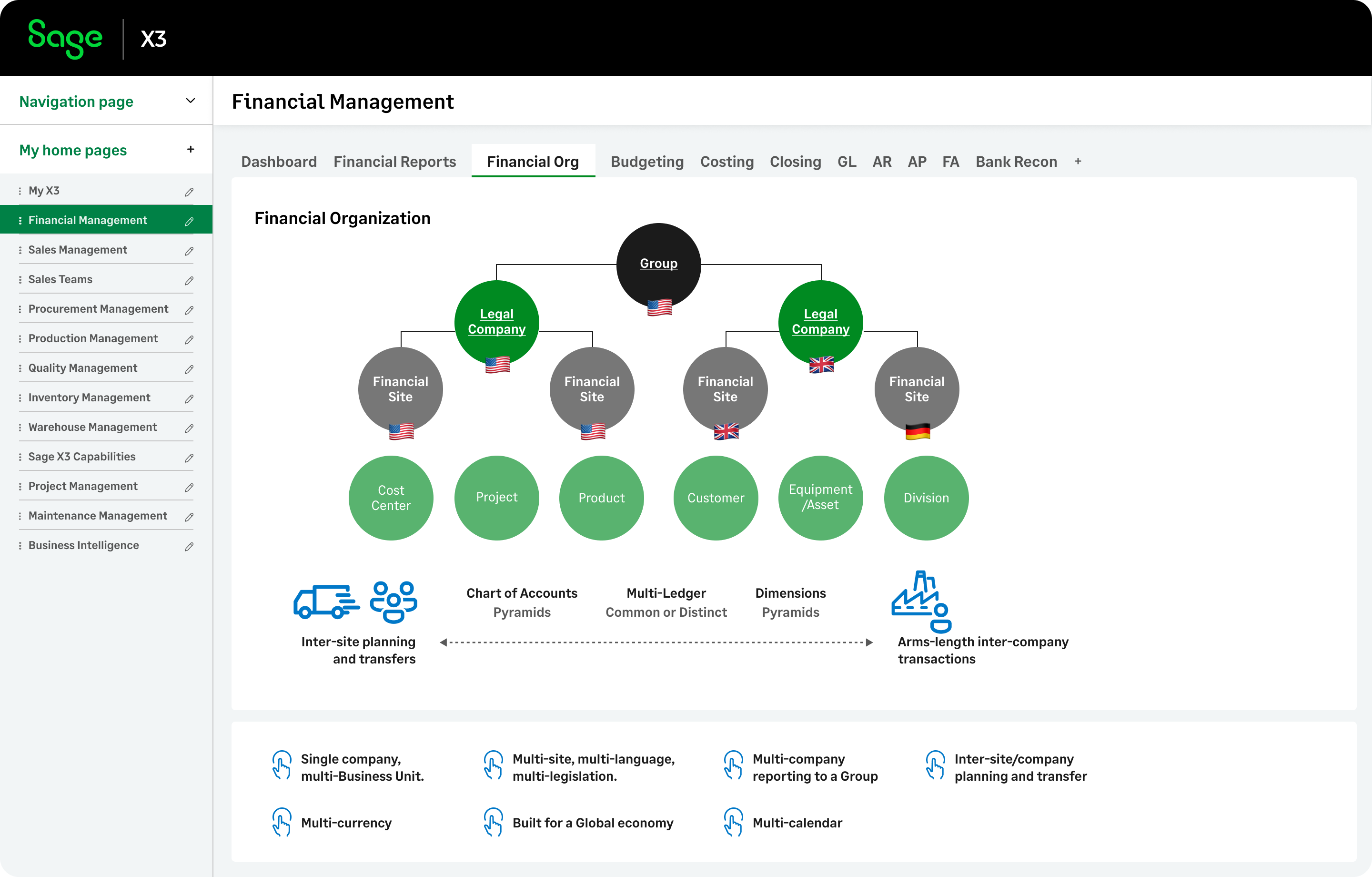
Manage your domestic or multi-national business with multi-company, multi-currency, multi-language, multi-ledger, and multi-legislation capabilities and adapt quickly to changes that occur in the future.
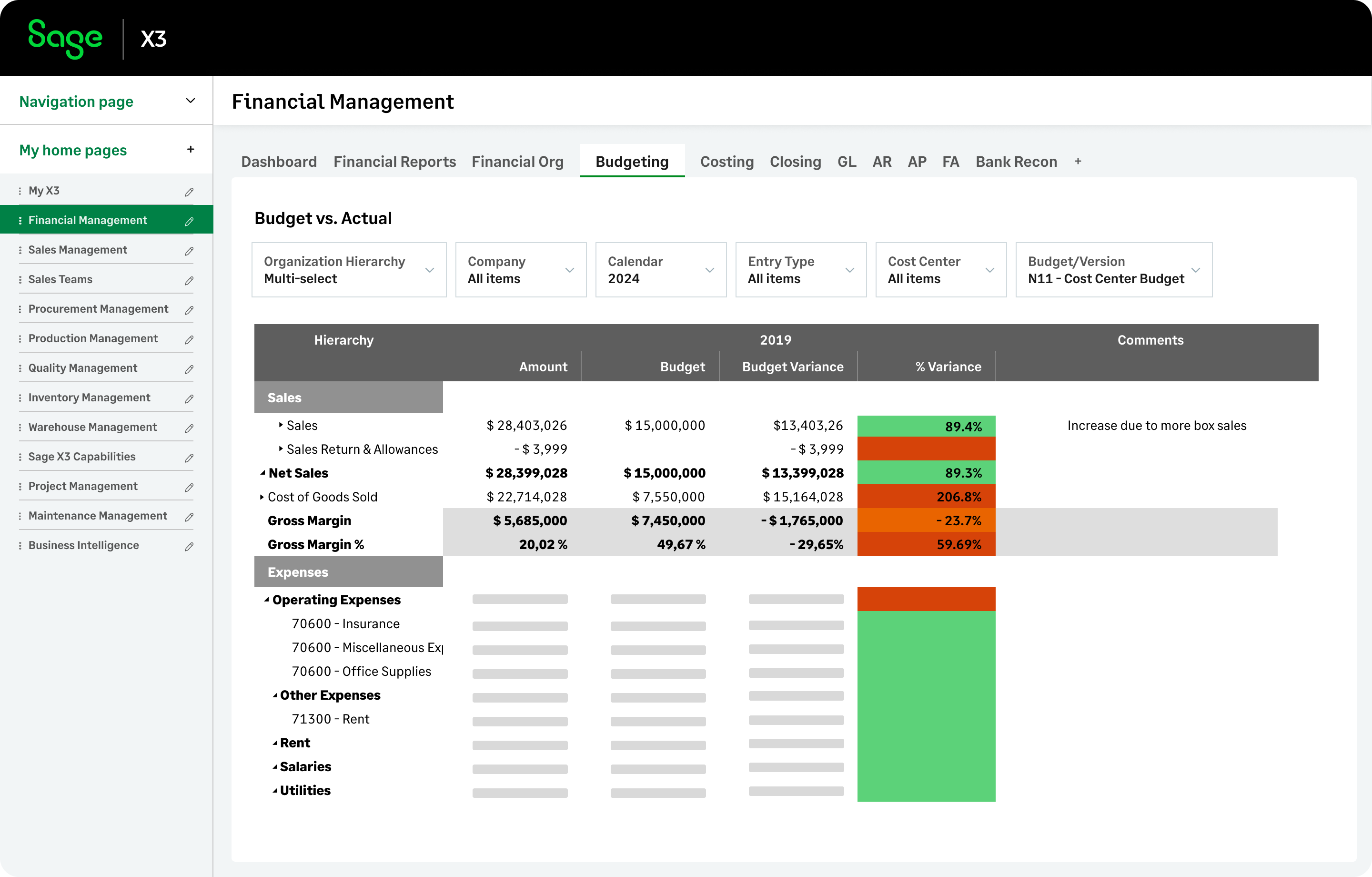
Plan confidently with flexible, unlimited budgets, forecasts, and scenario versions. You can create custom budgeting models for sales, personnel, and operating expenses by company, site, and other financial dimensions.
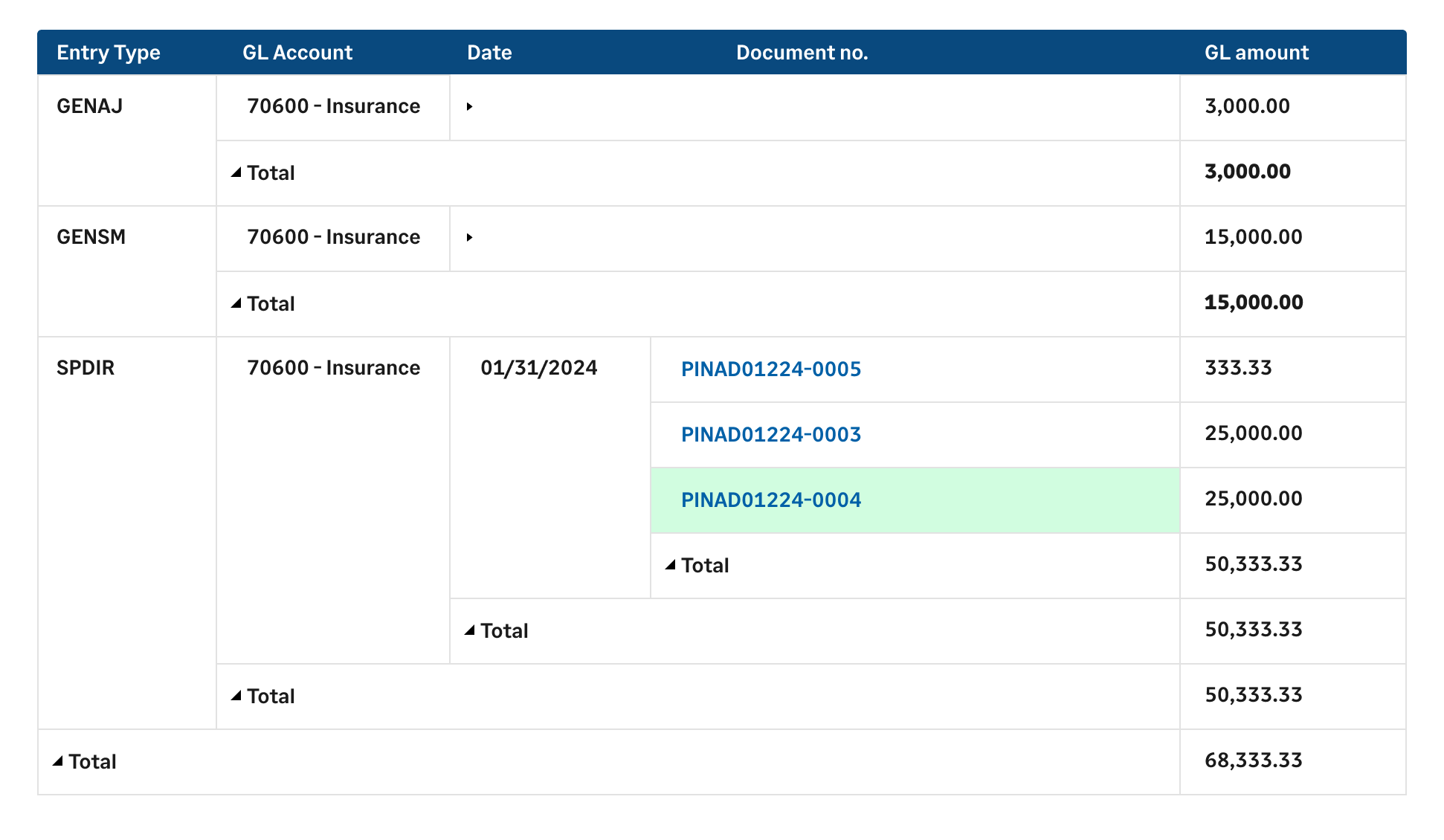
Drill down from a high-level budget plan to specific transactions with a click.
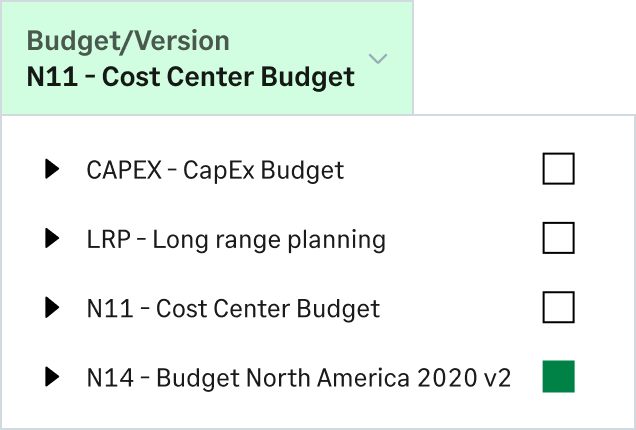
Select which budget and version to use on reports. Compare scenarios side-by-side with actuals to identify variances and make data-driven decisions.
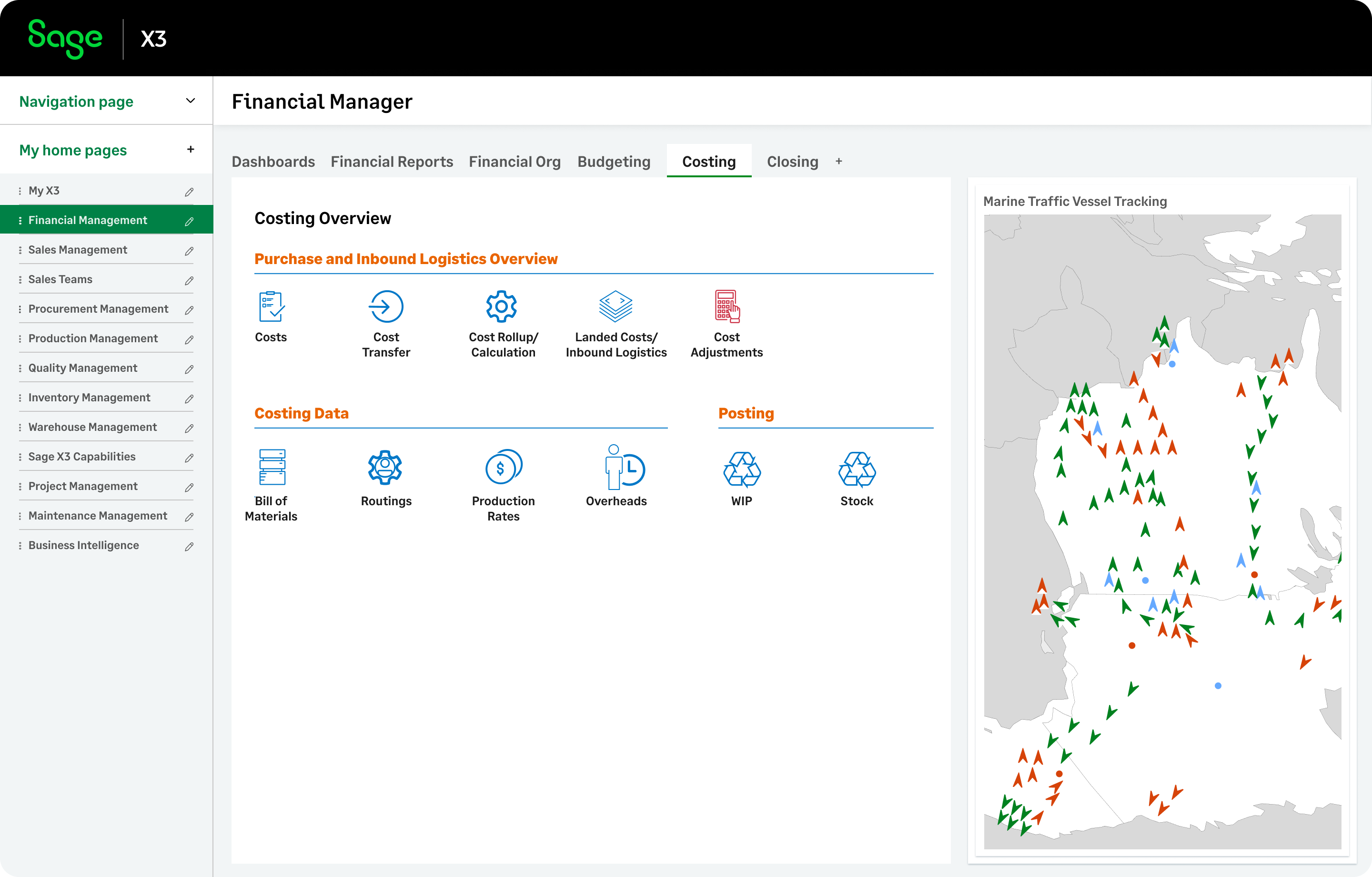
Sage X3 cost accounting capabilities handle real-time costing for all stock movements—purchases, sales, WIP, production, transfers, and stock returns.
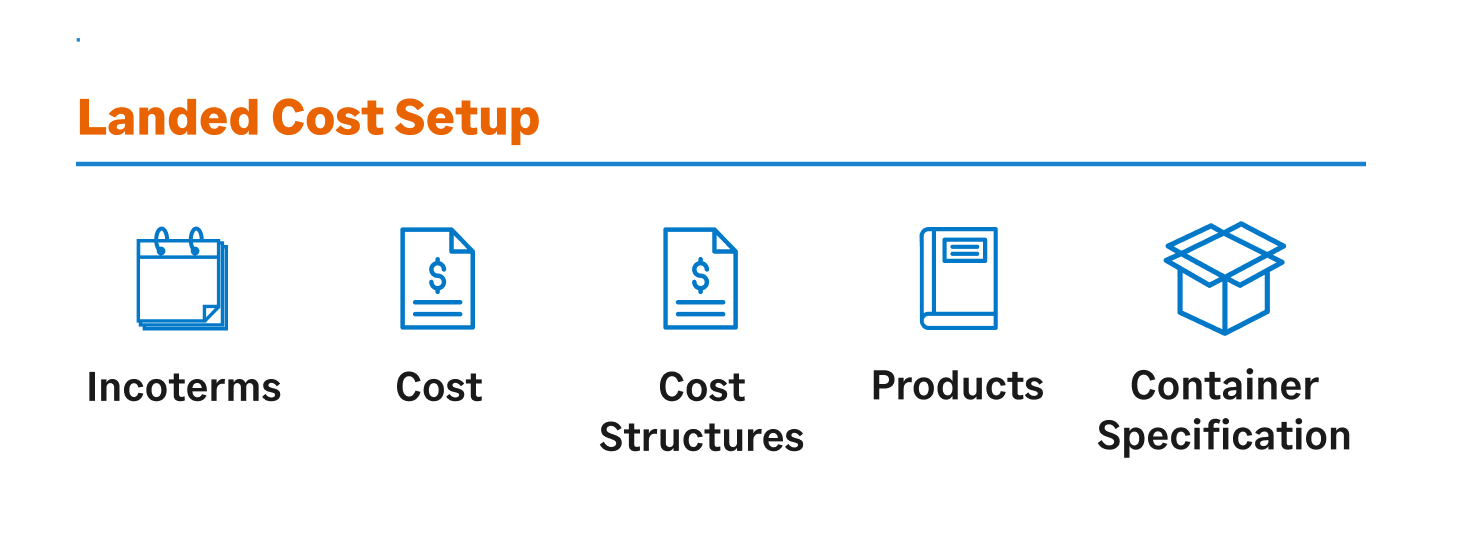
Manage landed costs, like shipping, customs, tariffs, and insurance. You can group costs into structured categories by product, site, and supplier for accurate total cost calculation and pricing.
Let’s explore the Manufacturing tab, which is fully customizable with gadgets like visual process maps, inquiries, and calendars. These gadgets provide you with quick access to functions, enable real-time access to data, and help review scheduled information such as work orders in progress.
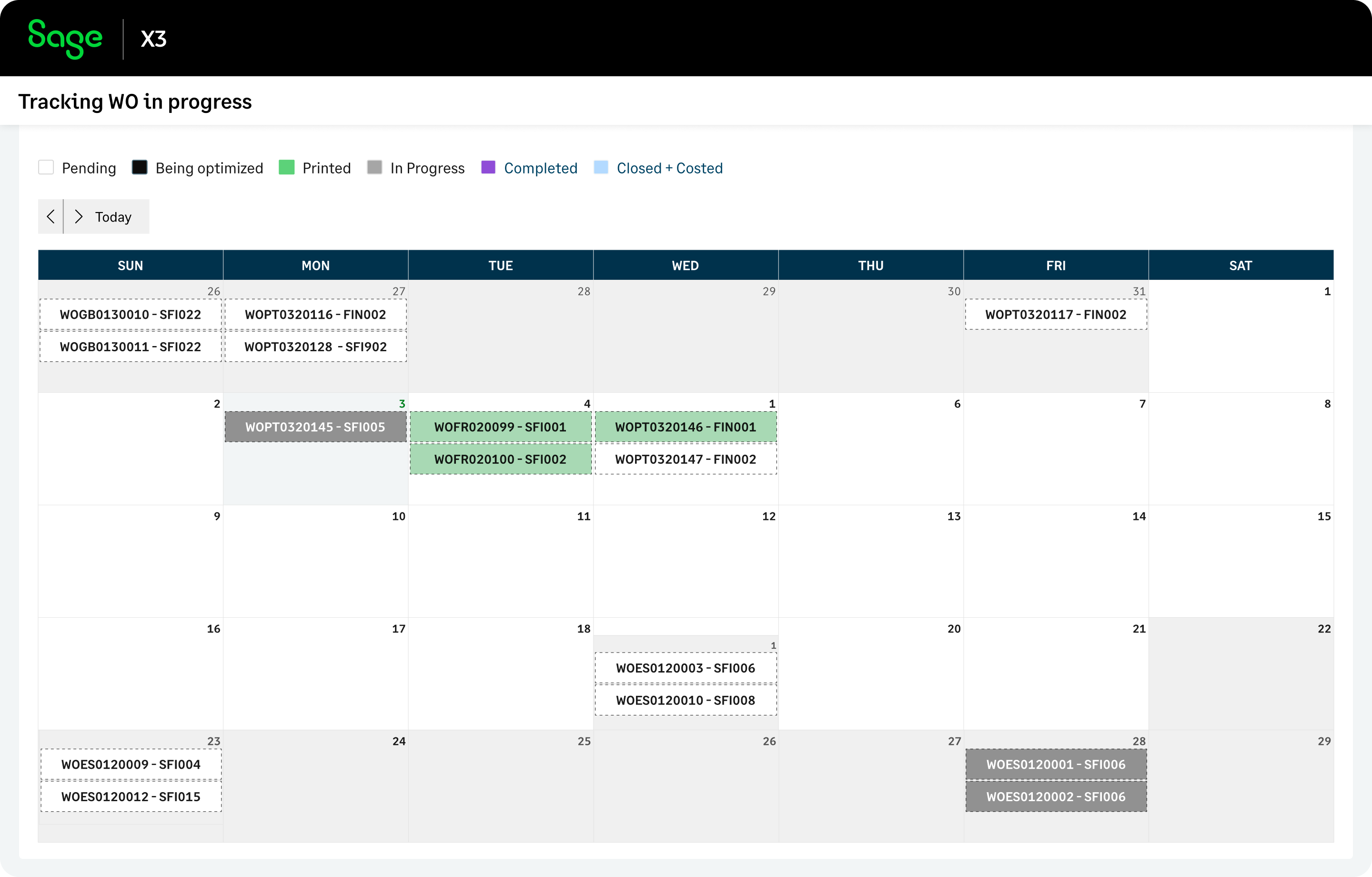
Dive deeper into actionable transactions, such as work orders on a calendar, apply conditional formatting to highlight critical details, and expand views for greater visibility.
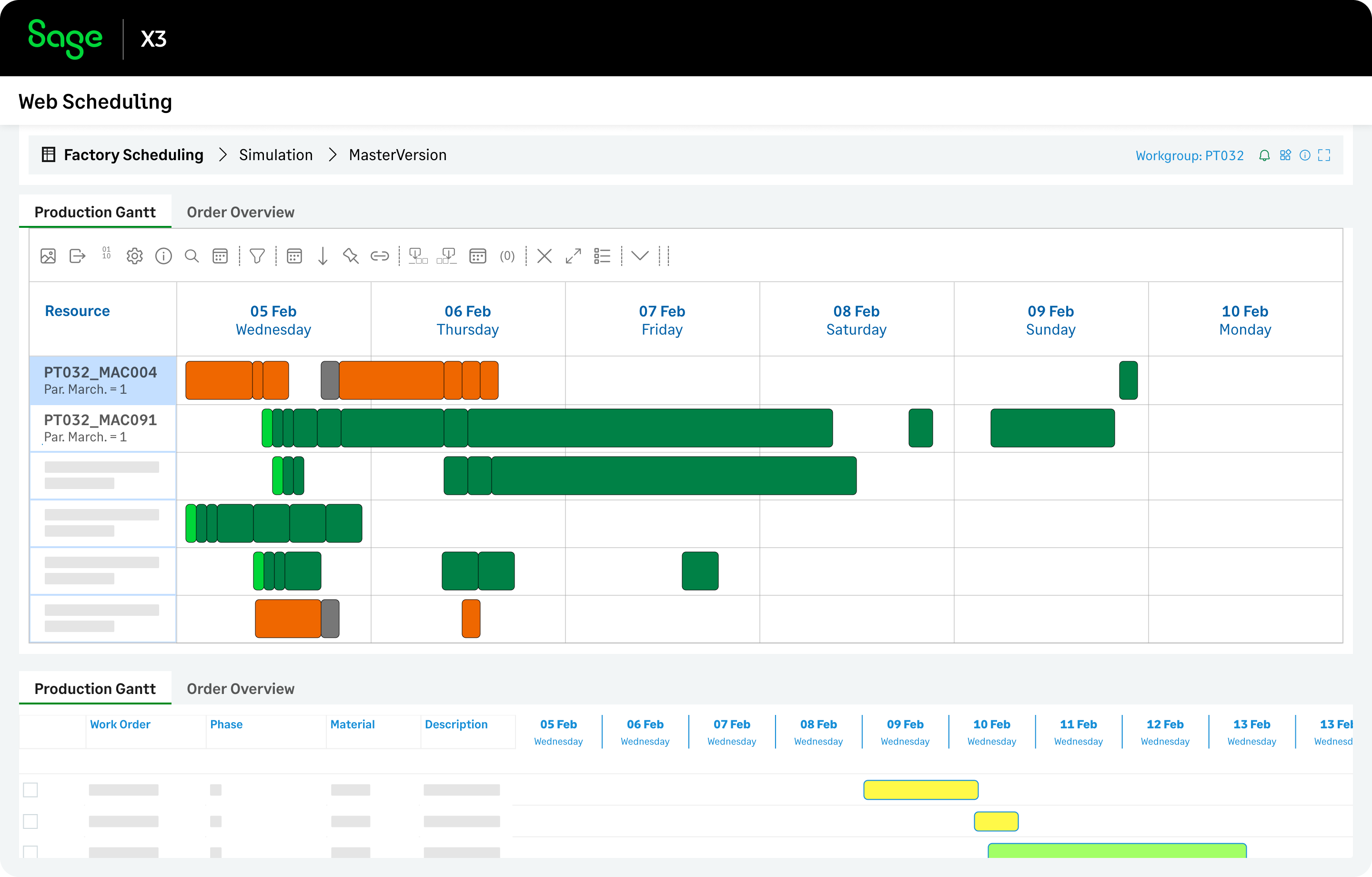
Optimize production scheduling and resource allocation with Web Scheduling. Set material and tool constraints, run simulations, and analyze results with performance KPIs to maximize throughput and minimize your costs.
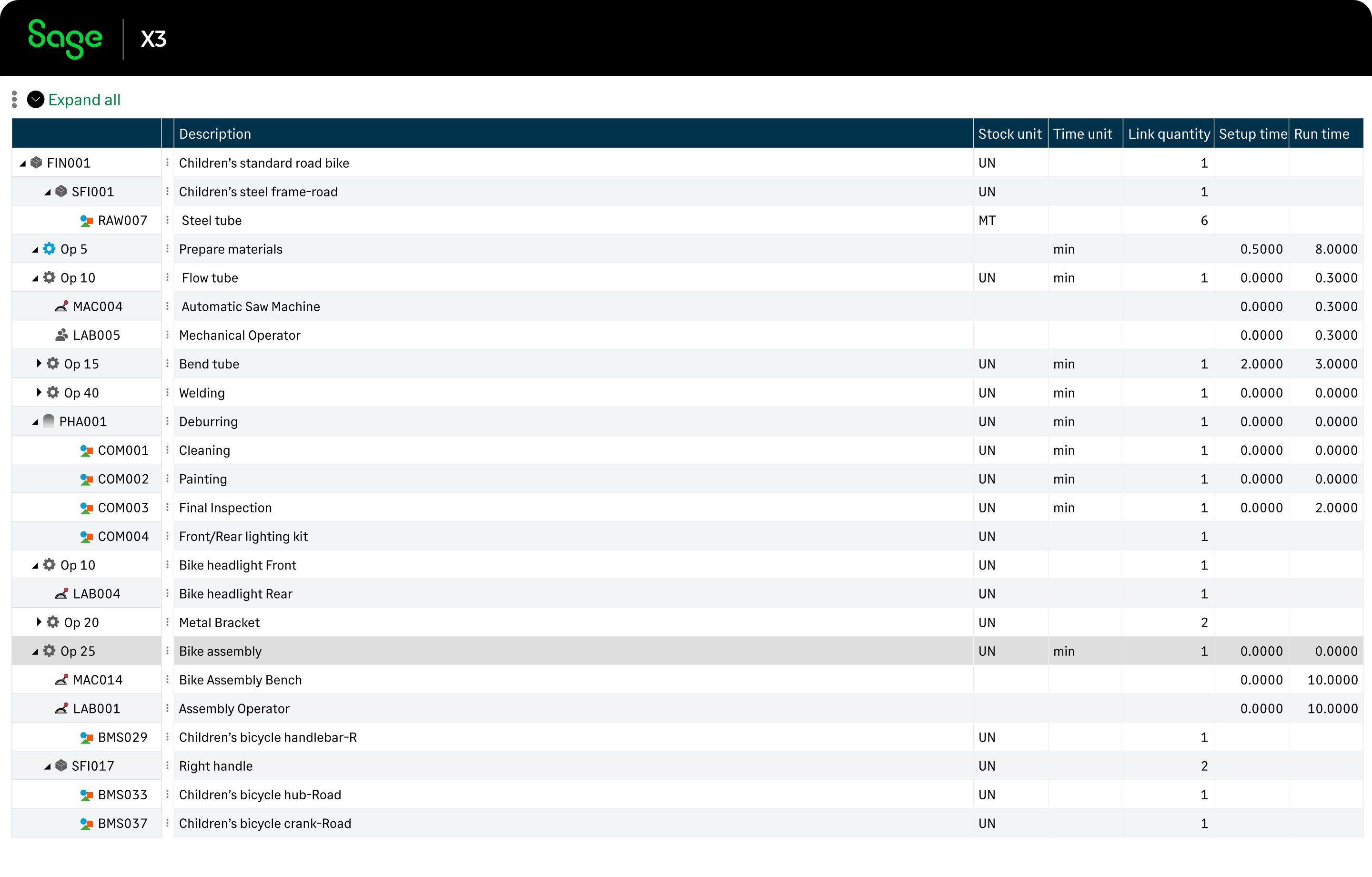
Take control of your production by tracking materials, operations, and resources. Efficiently manage multi-level BOMs with phantom items and routings that include subcontractors.
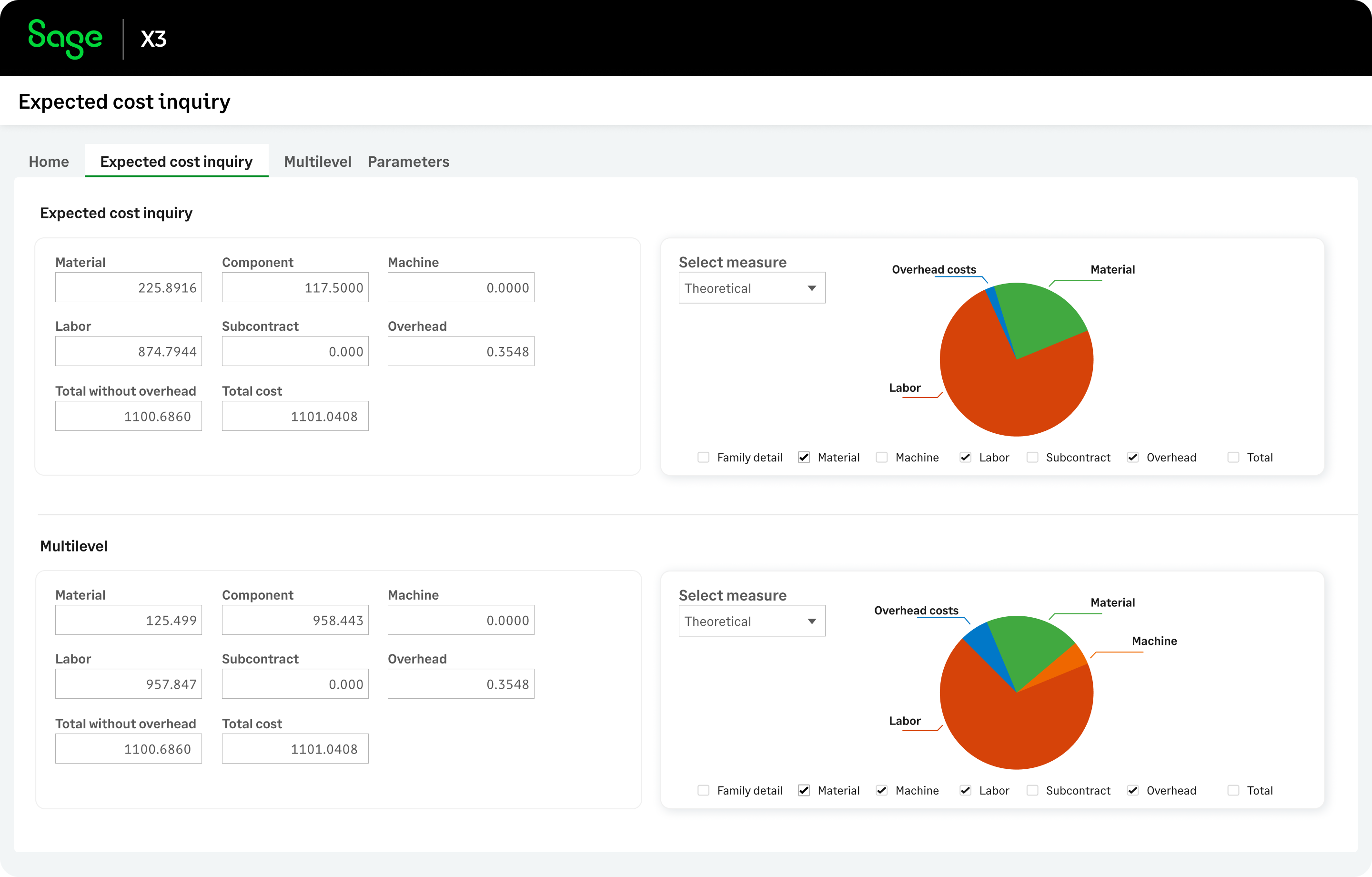
Compare provisional costs with actual production data, not just at the product level, but across the entire BOM structure, for deeper insights.
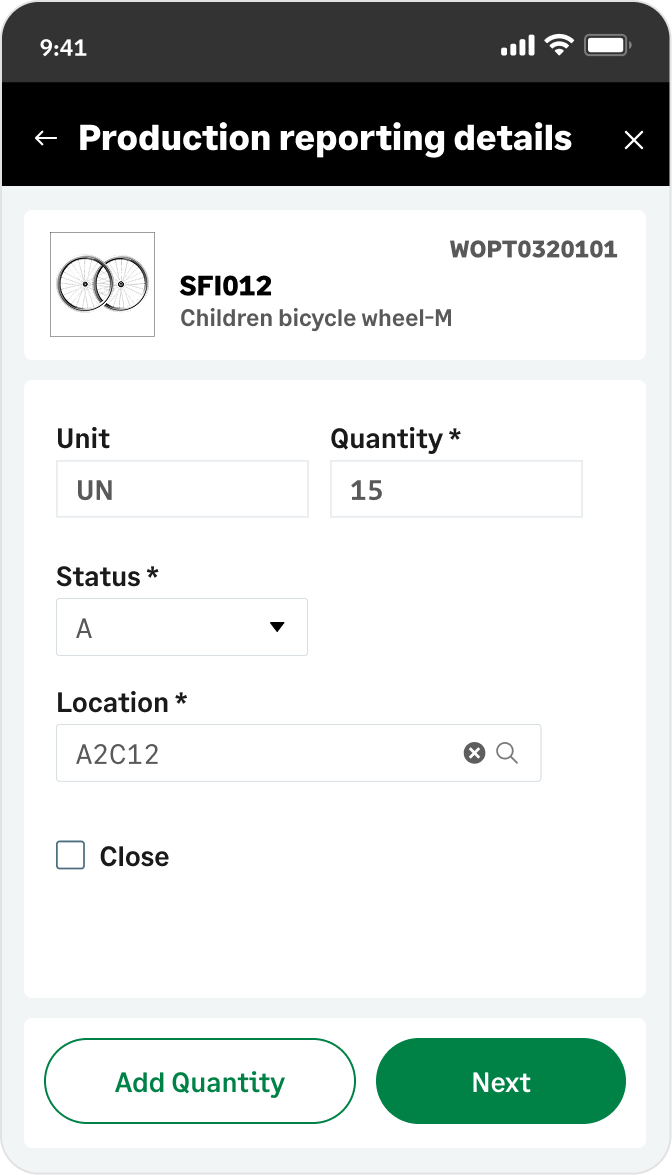
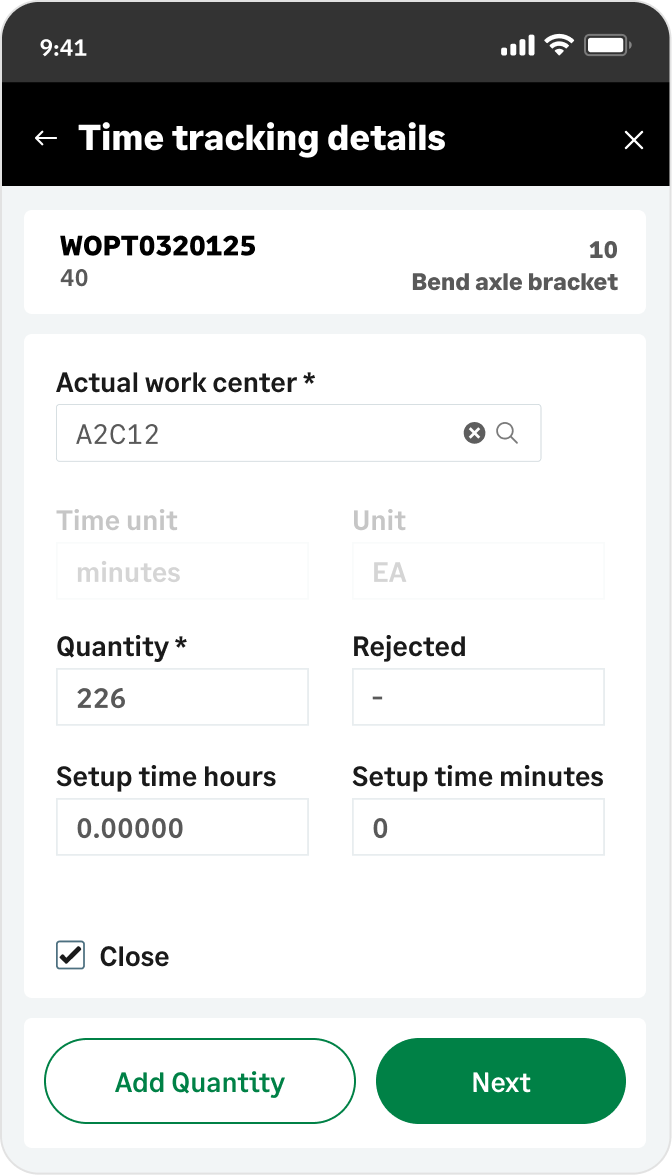
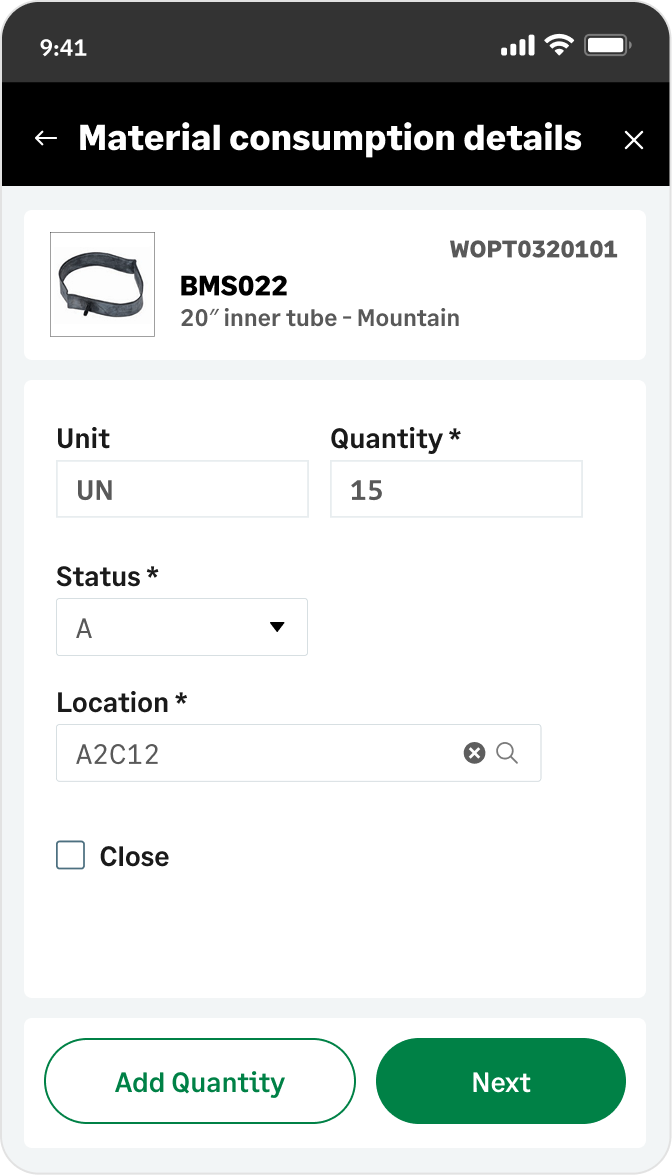
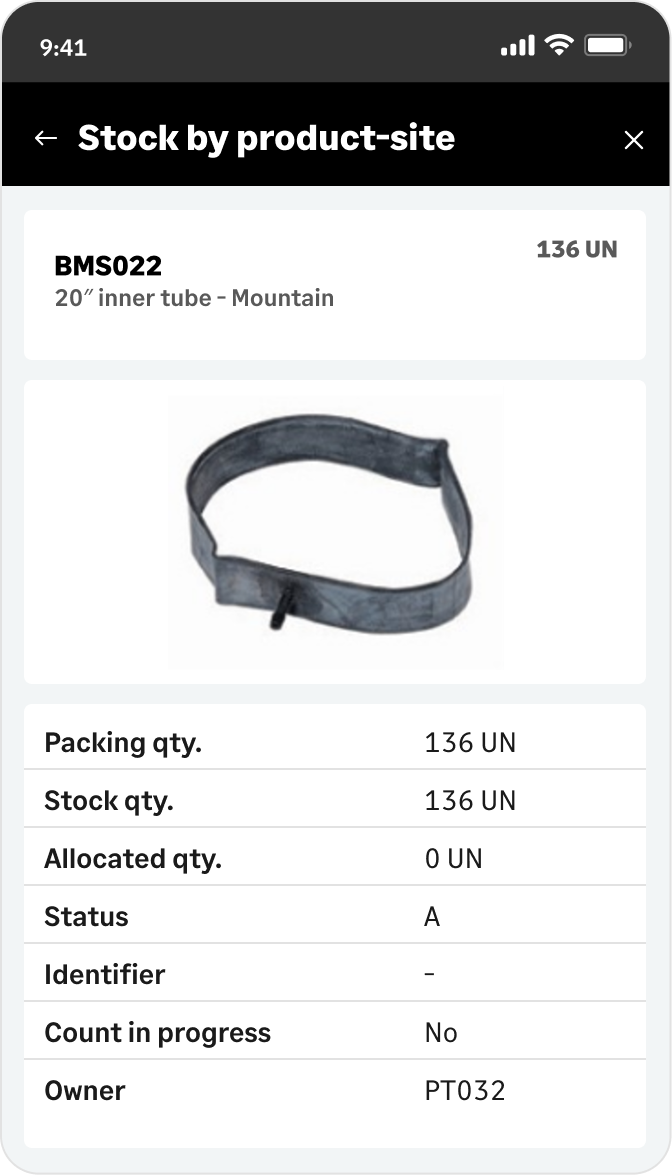
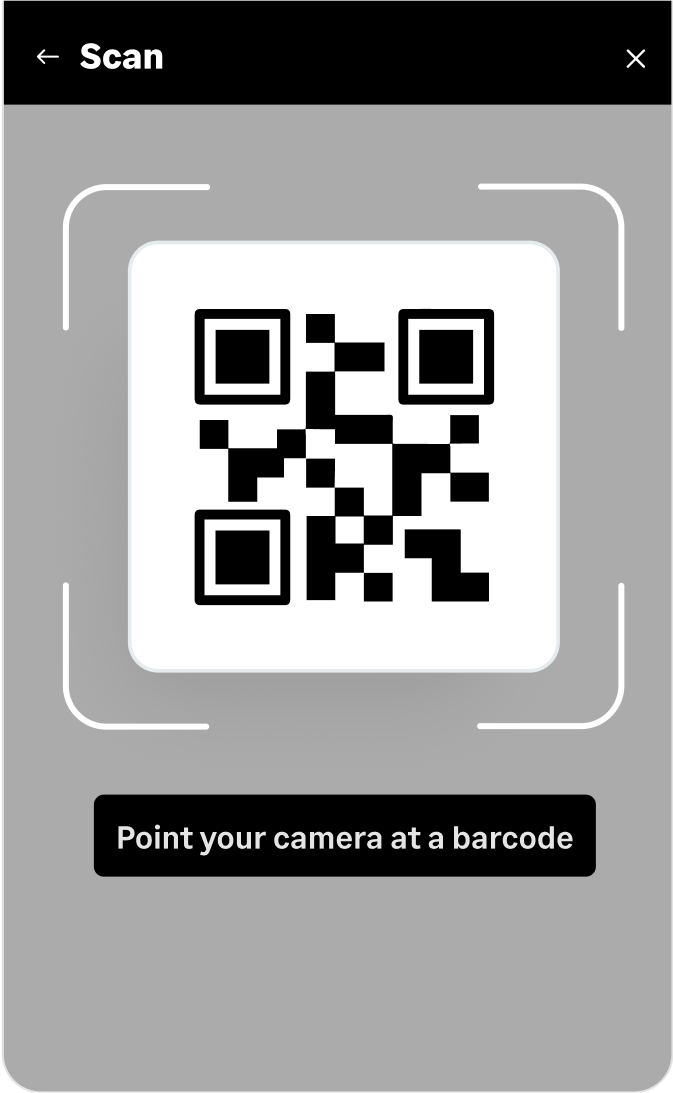
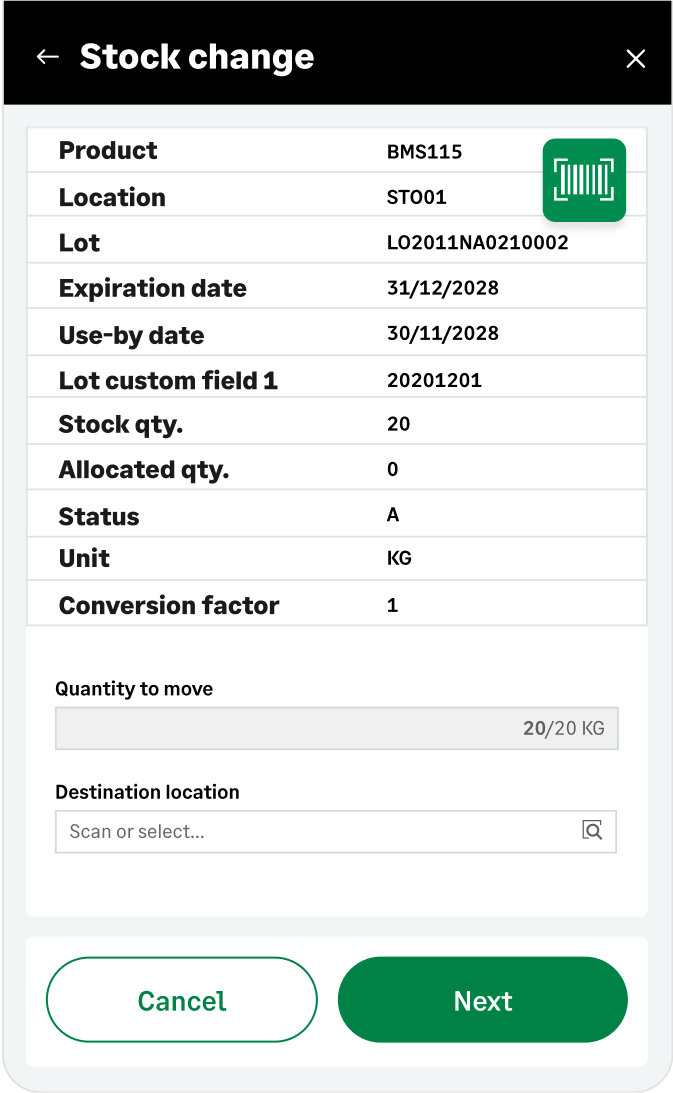
Capture shop floor events in real-time with the mobile solution, giving managers immediate visibility to address issues.
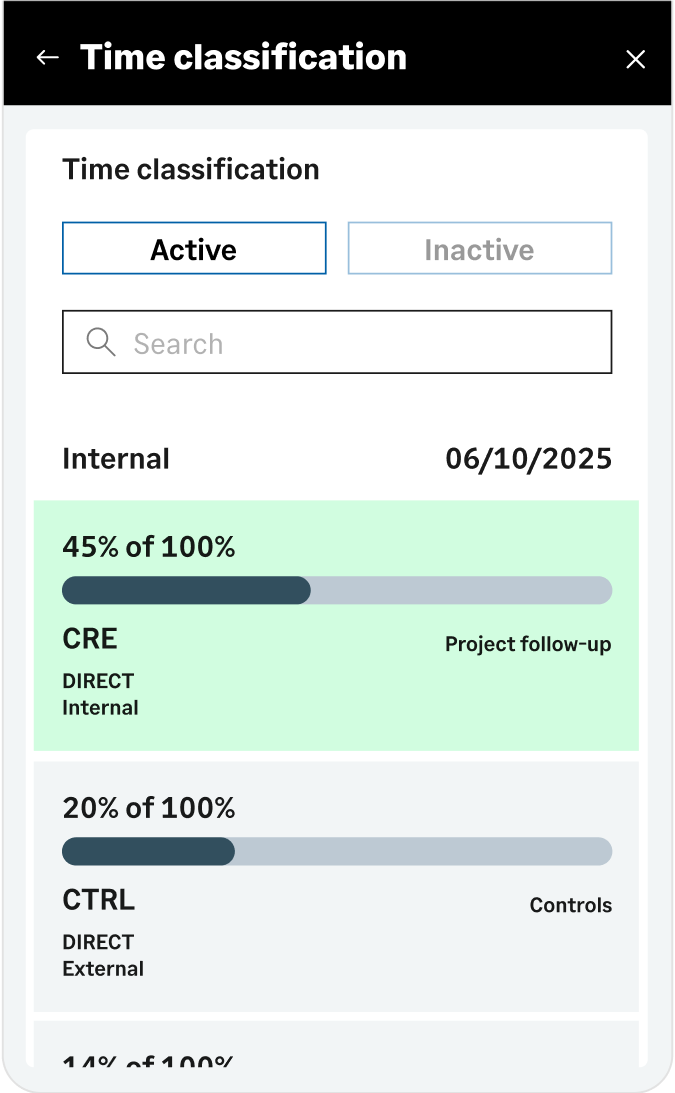
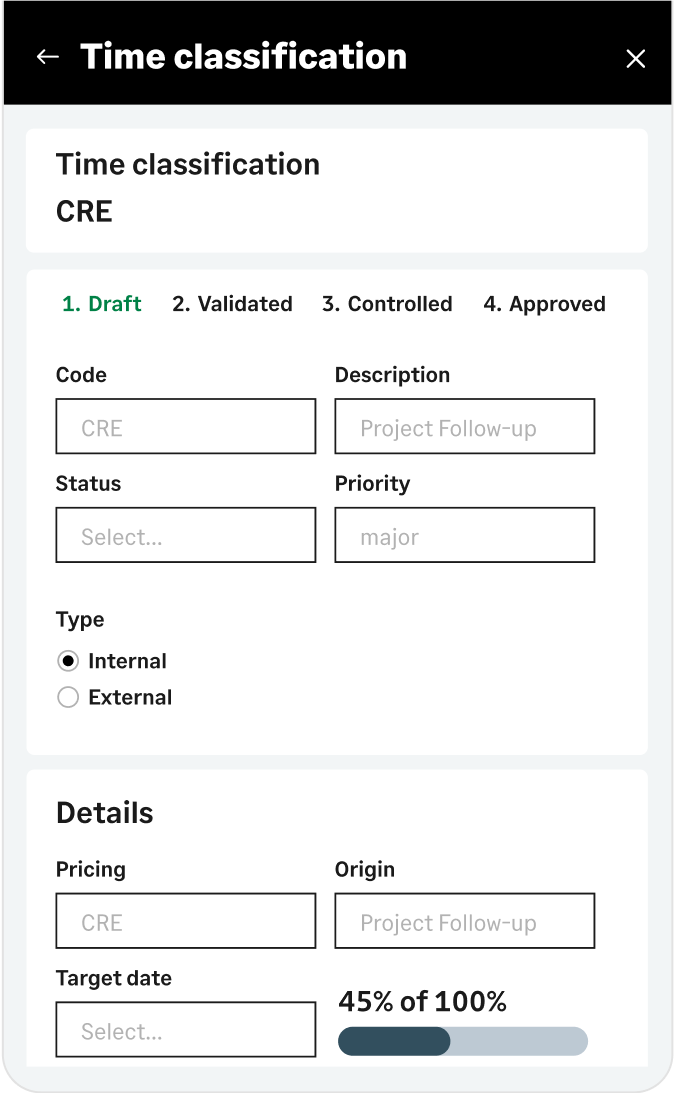
Available capabilities of the mobile solution include: - Production report - Time tracking - Material usage - Stock query
Sage X3 is your scalable, cloud-enabled ERP that adapts to your needs. With role-based permissions, it tailors user access, streamlines workflows, and offers dynamic dashboards for real-time insights and KPIs.
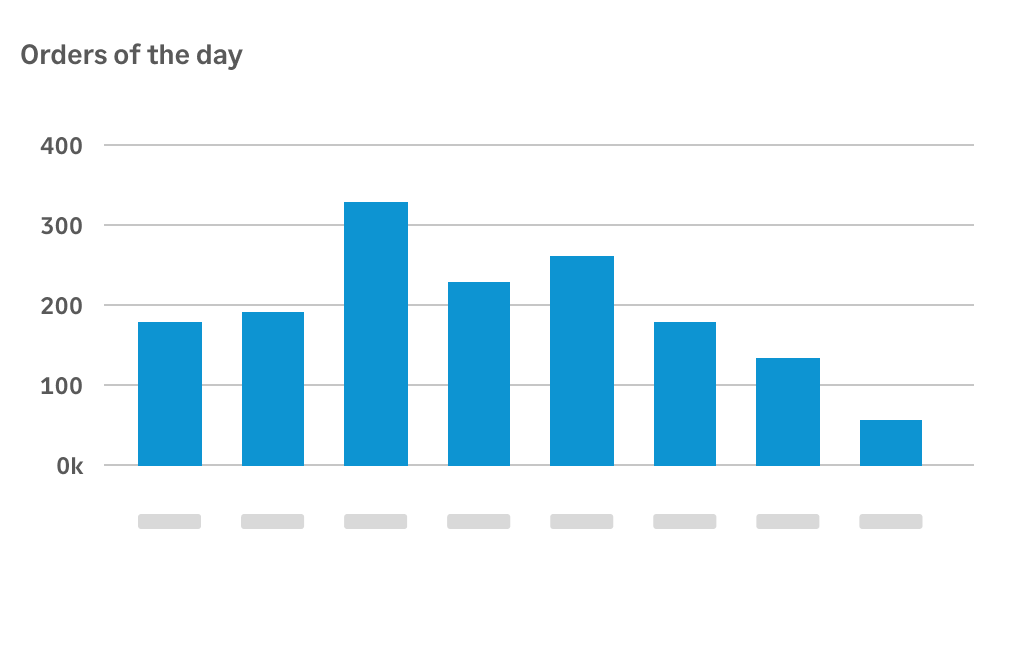
On the Sage X3 home screen, manage your activities and reporting with customizable landing pages. Gadgets like toolbars, inquiries, links, charts, and calendars enhance your experience and boost efficiency.
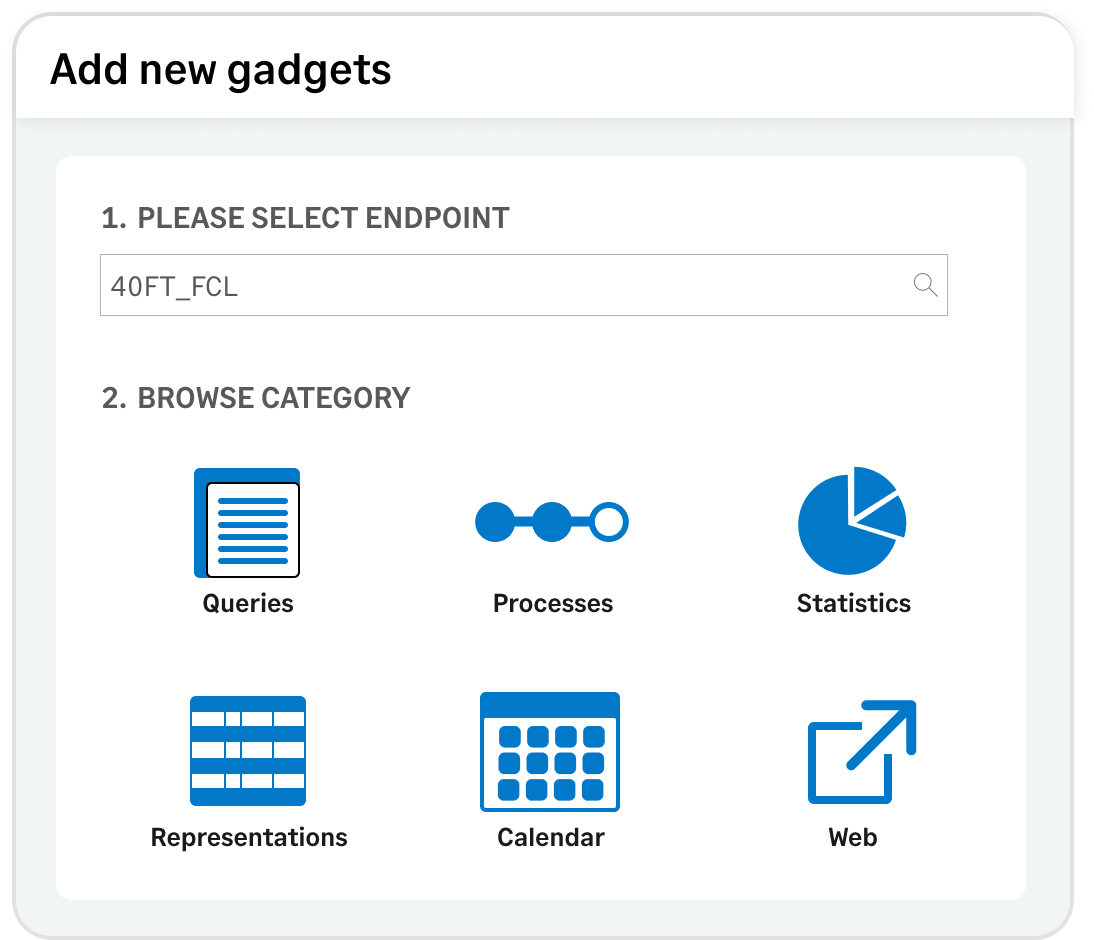
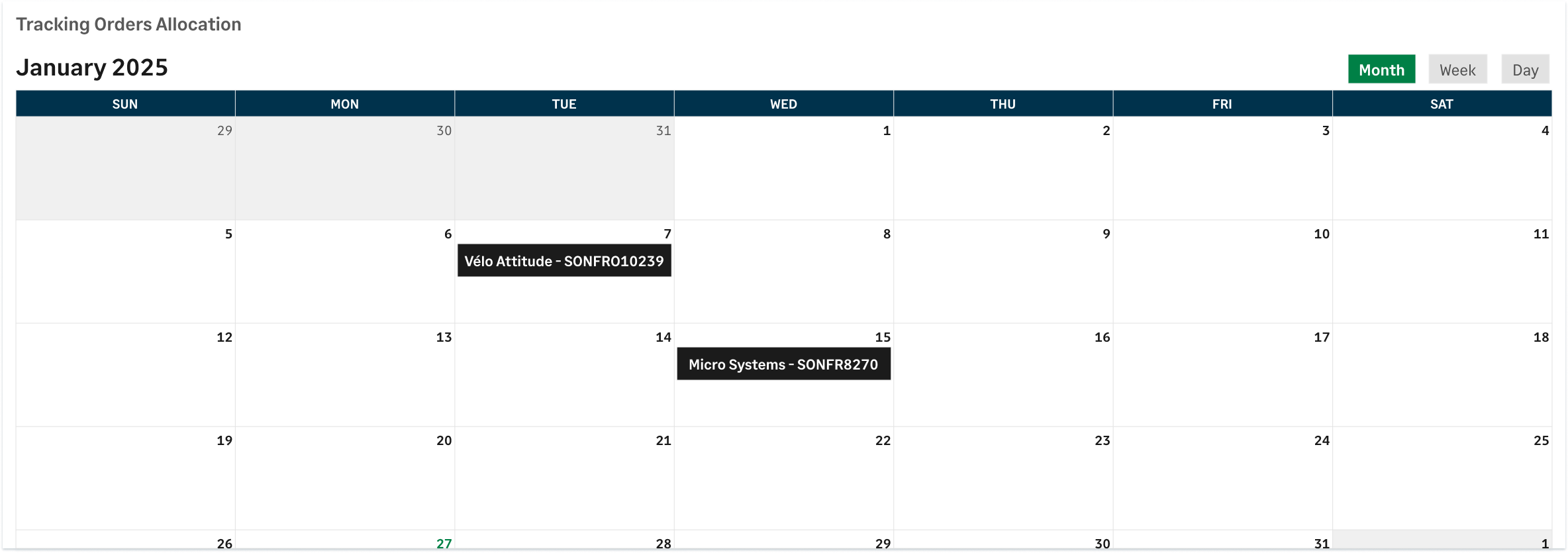
It’s easy to customize your workspace. Let’s add a gadget that shows the Sales Orders’ delivery schedule.
You have a library of predefined gadgets to choose from, including queries, business processes, statistics, representations, calendars, or even external web pages. You can also customize and build your own gadgets.
Experience intuitive customization with drag-and-drop tools. Rearrange elements, adjust layouts, and design your ideal interface effortlessly.
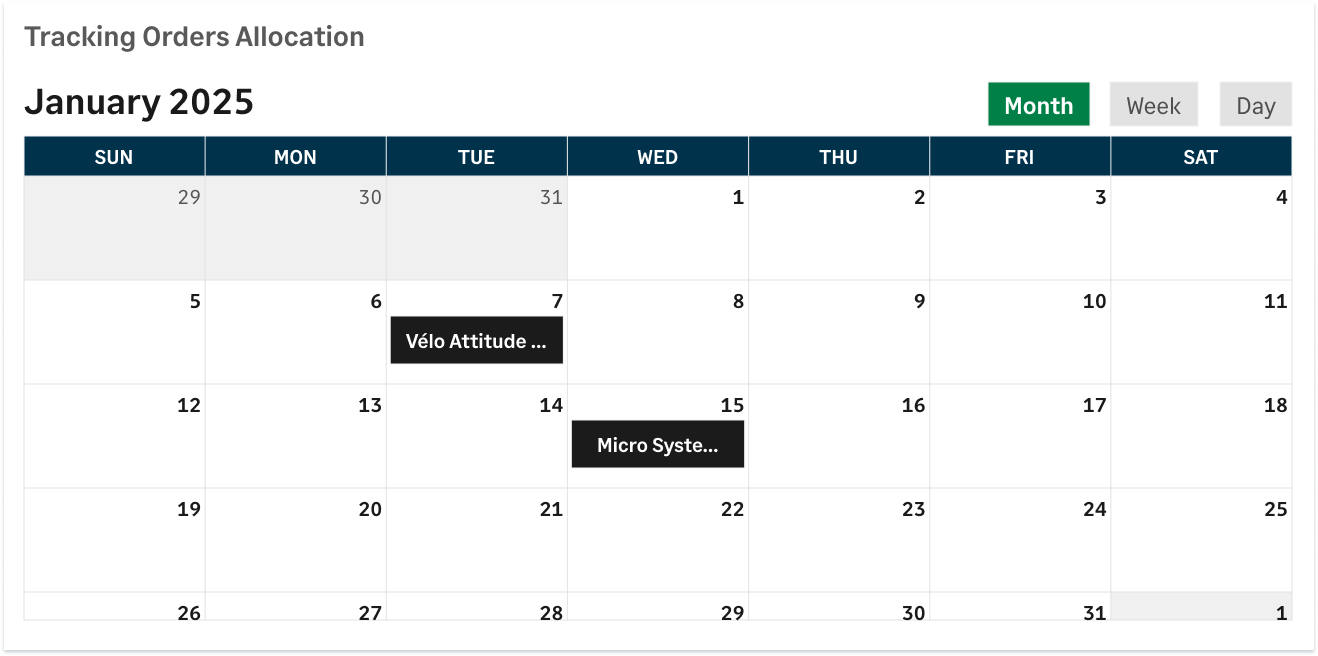
Here’s the rearranged calendar gadget. You can interact with it and drill down to order details for quick access.
Sage X3 is also mobile-friendly. Whether in the warehouse or on the go, you can track inventory, process orders, and capture data directly from your mobile device.
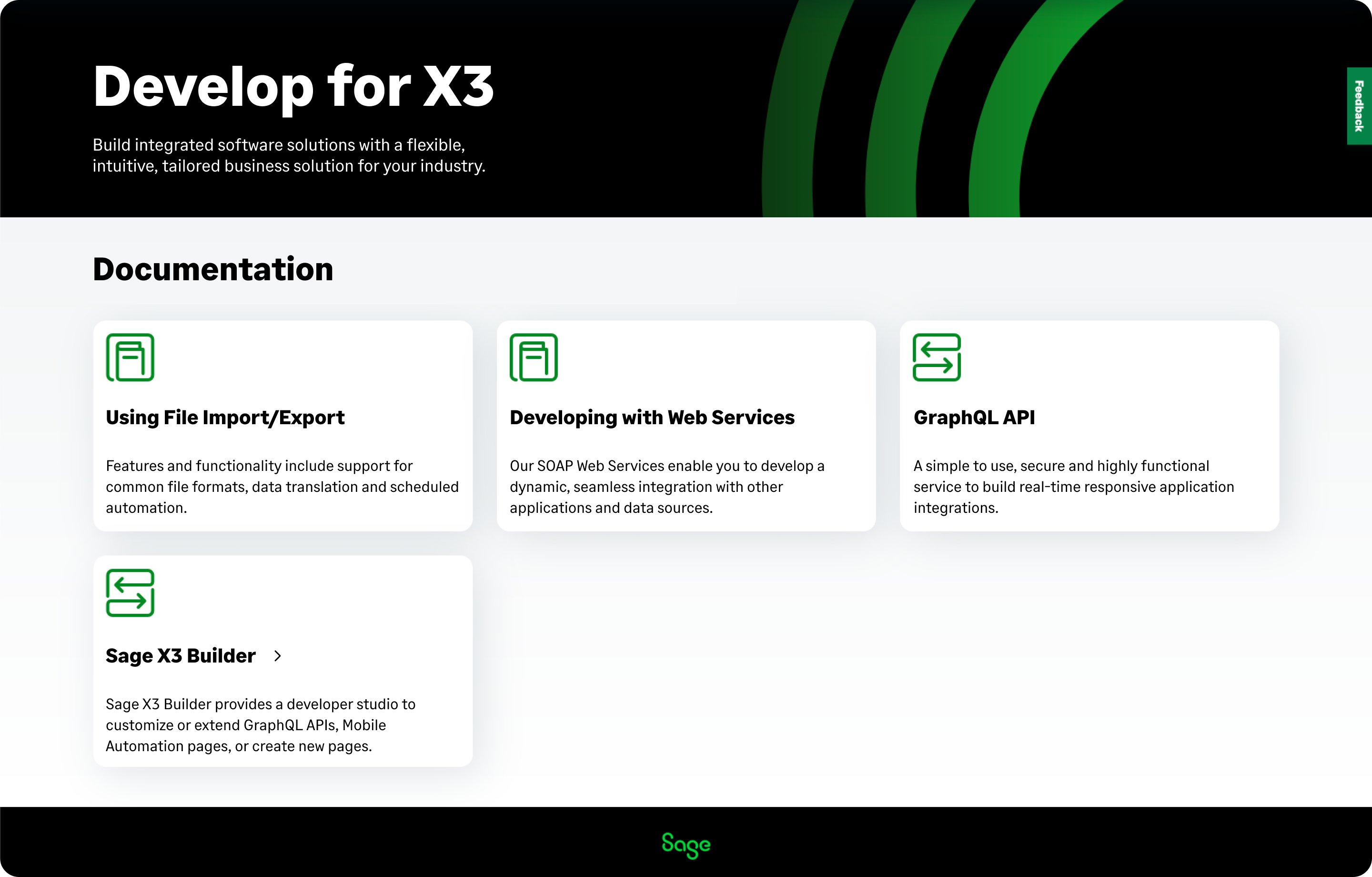
Sage X3 has robust developer tools and frameworks if you want to customize, connect external apps, and extend the solution to meet unique business needs.
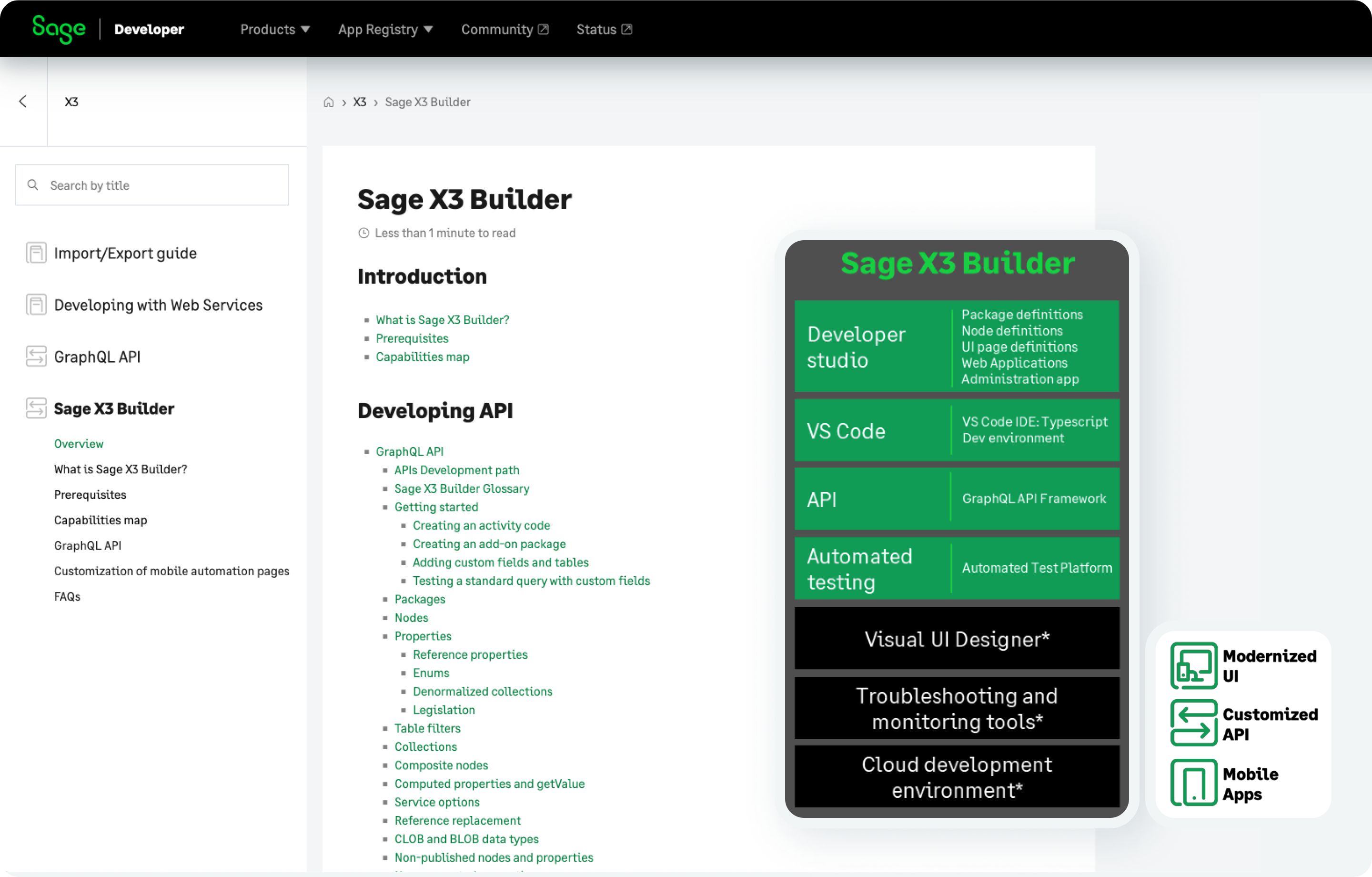
The Sage X3 Builder framework and Developer studio simplify creating and deploying customizations, APIs, third-party integrations, and even brand-new mobile apps, enhancing the system's extensibility.
Sage X3 Builder has an automated test platform that ensures customizations, extensions, and integrations built in the framework meet stringent quality benchmarks at all times.
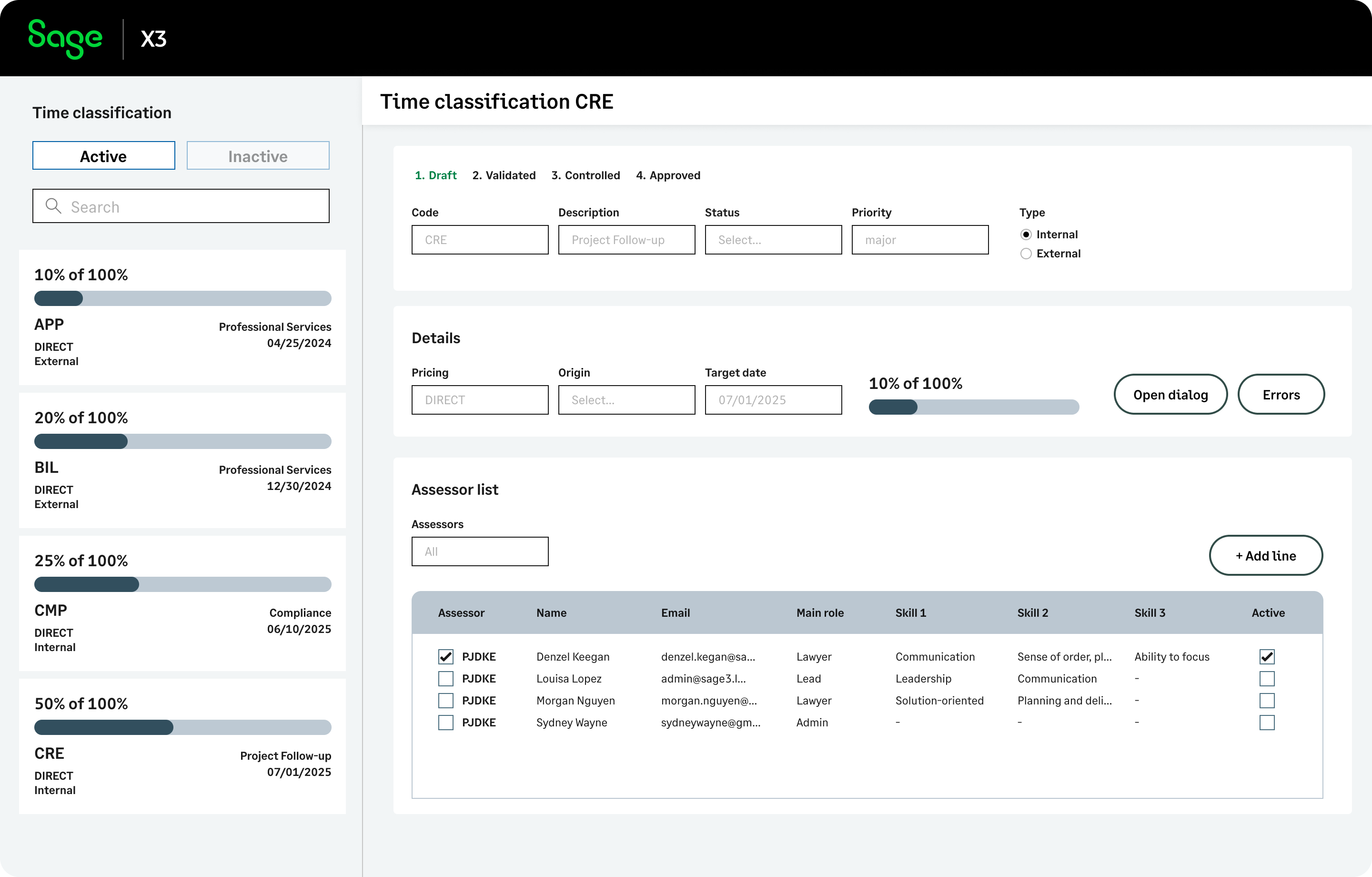
Here is an example of a process that was built from scratch with X3 Builder.
On a full screen browser, you can now instantly see more details but the user experience is very similar. You have the record list on your left and the record details in the main area alongside all the actions you can perform on that record. Bottom line, with X3 Builder you can customize and digitally support new business processes , with a consistent and streamlined user experience, regardless of the device you’re using.
Thanks for joining the product tour
Liked what you've seen? We'd love to show you more.